
Table of Contents
Manual internal linking works when you’ve got 20 products and three categories. It breaks when you scale to 500 SKUs, seasonal collections, and faceted filters. The question isn’t whether you should link to category pages—it’s whether you can do it consistently without burning 10 hours a week.
Why Most Category Pages Never Build Authority
Category pages sit in a strange middle ground. They’re not as specific as product pages, but they’re too commercial to attract natural editorial links. Your internal link structure is the only lever you control.
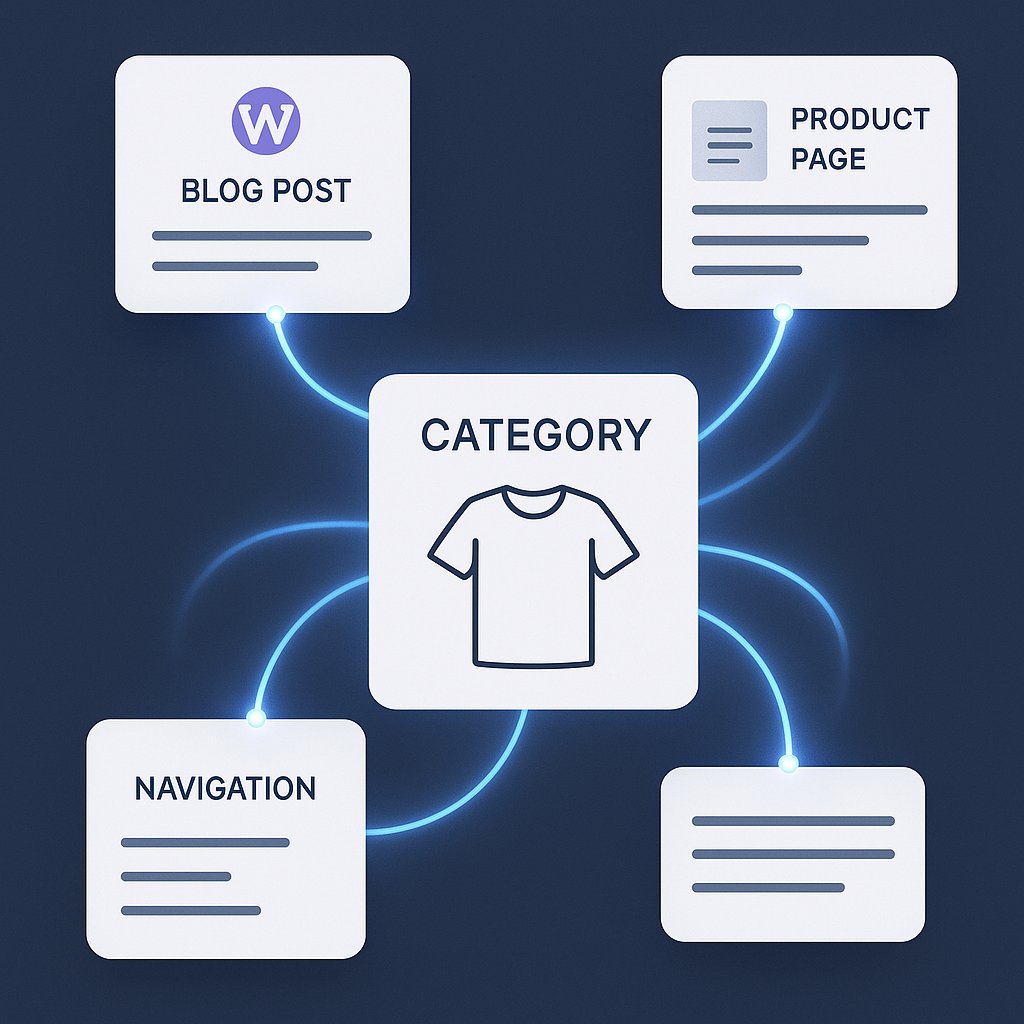
Here’s what happens in most WooCommerce stores: you add a new product, assign it to a category, and move on. The product page gets a few automatic links from related products widgets. The category page? It gets one link from your navigation and maybe a breadcrumb. That’s it.
Meanwhile, your blog posts about “how to choose winter jackets” could easily link to that category page with perfect contextual relevance. But nobody remembers to go back and add those links manually. The result is category pages with thin link profiles, weak crawl priority, and rankings that never move.
The gap widens when you run seasonal promotions or add new product lines. Each new category starts from zero, and there’s no systematic way to build its authority across your existing content.
The Manual Method: What It Actually Takes
Let’s be honest about what proper manual linking requires for a mid-sized shop.
You publish a blog post about jacket care tips. To link it properly, you need to:
– Review your category structure to find relevant targets
– Check if you’ve already linked to those categories from similar content
– Write natural anchor text that fits the sentence flow
– Decide whether to link to the main category or a filtered view
– Update a spreadsheet so you remember what you’ve linked where
That’s 10 minutes per post if you’re efficient. Multiply by 50 blog posts a year, and you’ve spent 8+ hours just on outbound linking decisions.
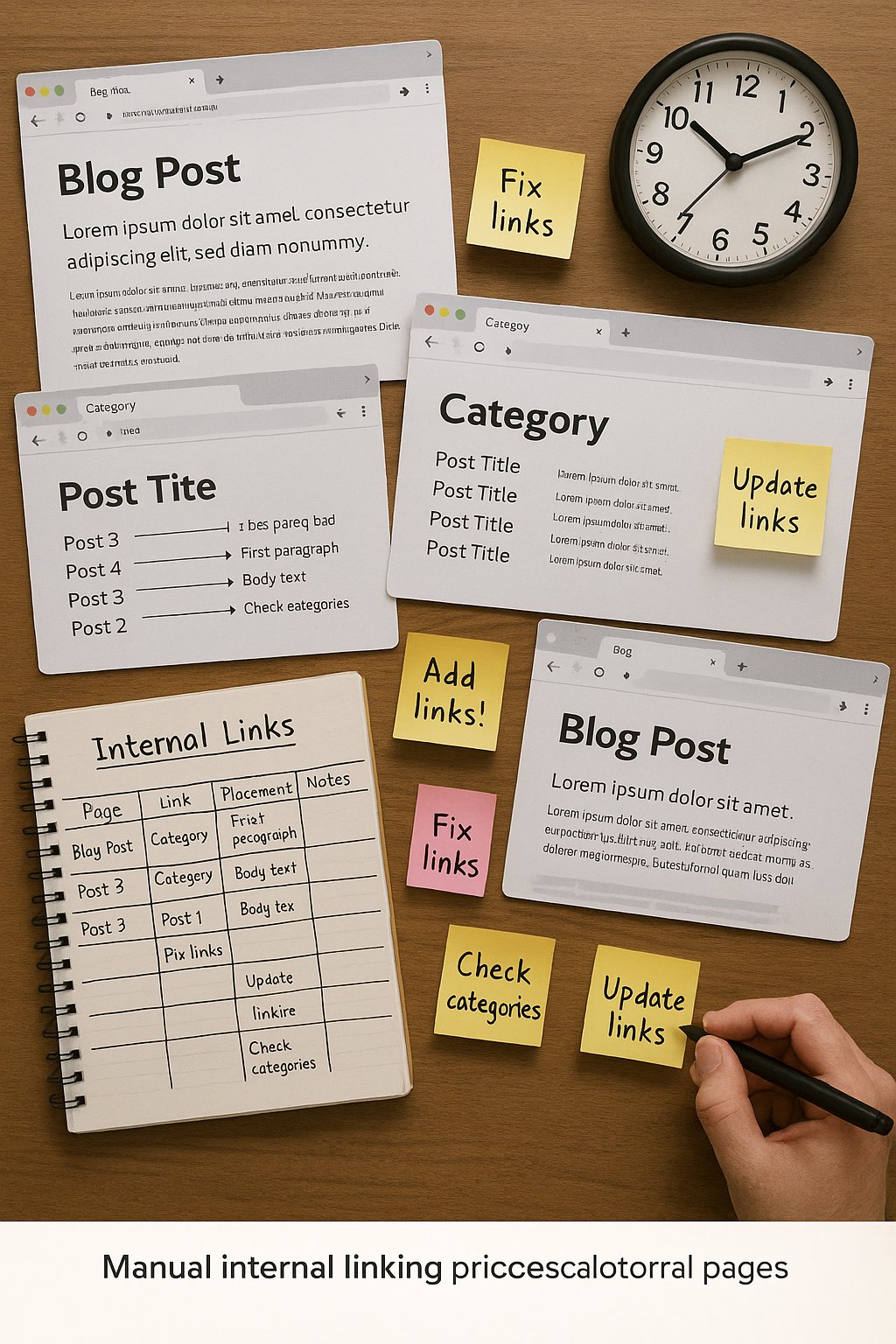
Now add the reverse direction: when you create a new category page, you should scan your existing content for linking opportunities. How many of your old blog posts mention “waterproof jackets” without linking to your new Waterproof Jackets category?
Most store owners skip this step entirely. The content that could feed authority to new categories just sits there, disconnected. You end up with islands of content that Google has to discover through your sitemap instead of through a logical crawl path.
The bigger problem is anchor text distribution. Manual linking tends to cluster around whatever phrase you remember first. You might link to your “Running Shoes” category with “running shoes” fifteen times and never use related terms like “marathon footwear” or “training shoes.” That narrow anchor profile doesn’t signal topical breadth to search engines.
Where AI-Assisted Linking Changes the Equation
Automation handles the systematic problems that manual linking creates.
When you publish a post about “choosing the right backpack for day hikes,” an AI system can instantly identify that your “Hiking Backpacks” category is a strong semantic match. It suggests the link with contextually appropriate anchor text—not just the category name, but variations that fit the surrounding content.
The real shift is in retroactive linking. Every time you add a new category or update an old one, AI can scan your entire content library for relevant linking opportunities. That “waterproof jackets” post from two years ago automatically becomes a candidate to link to your new Waterproof Jackets category.
This matters because category pages need diverse link sources to rank. A category supported by five blog posts, three buying guides, and two comparison articles has a stronger authority signal than one linked only from your navigation.
Tools like AI Internal Links can process your whole site and suggest category page links based on semantic relationships, not just exact keyword matches. You get suggestions like linking “cold-weather gear” to your Winter Jackets category even when the phrase doesn’t match precisely.
The time savings are obvious, but the quality improvement is less visible until you see it. AI doesn’t forget which categories need links. It doesn’t default to the same three anchor texts. It treats each category as a linking target with consistent priority across your entire content ecosystem.
Faceted Navigation and the Crawl Budget Problem
Faceted navigation creates dozens of URL variations: category pages filtered by color, size, price range, brand. Each one is technically a unique URL, and most shouldn’t be indexed.
Manual linking makes this worse. If you link to “Jackets > Winter > Red” from a blog post, you’ve just told Google to crawl a filtered view that might have only three products. Do that across ten posts, and you’re wasting crawl budget on thin pages.
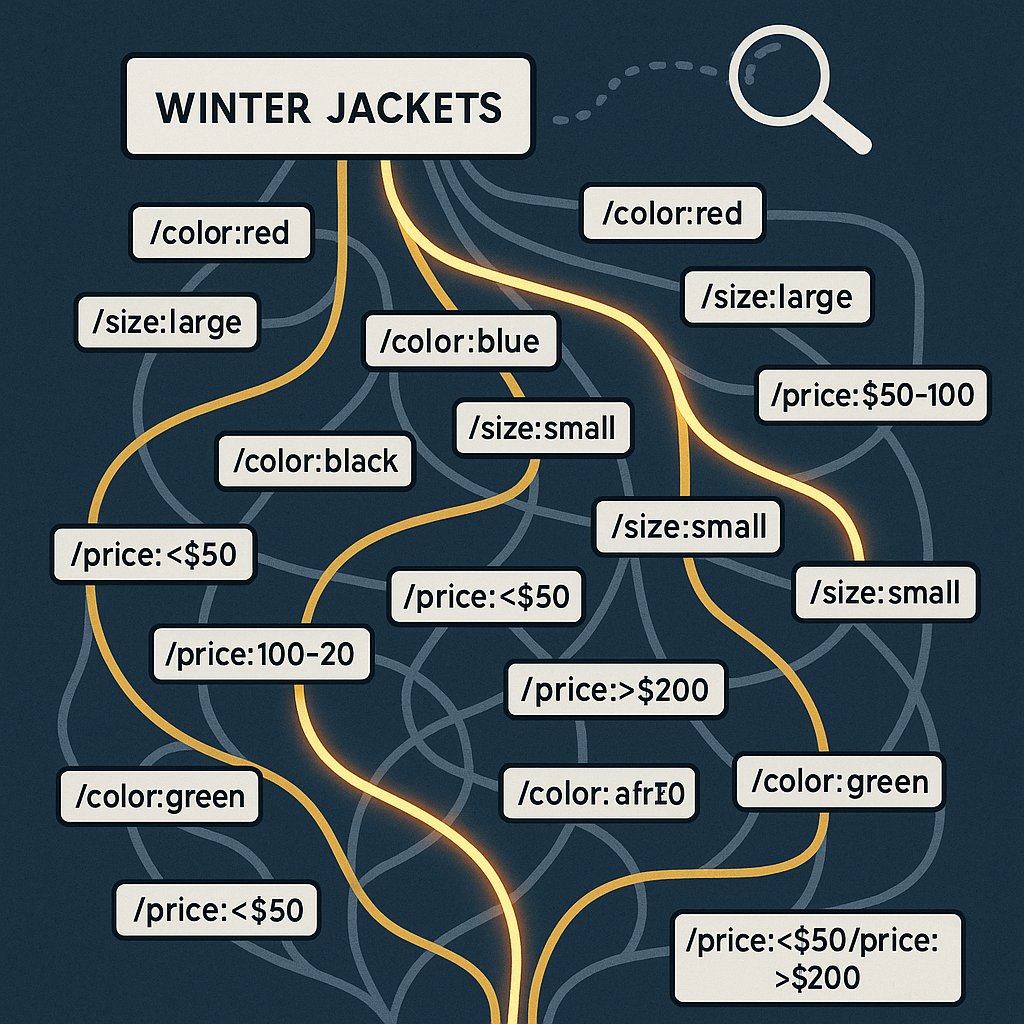
AI systems can enforce rules: link to canonical category pages, not filtered views. When suggesting links to e-commerce categories, the automation targets the main category URL and leaves the faceted variations for users to discover through on-page filters.
This becomes critical at scale. A store with 50 categories and five filter types has 250+ potential URL combinations. Manual linking can’t maintain consistency about which versions get internal links and which don’t. You end up with some filtered pages that accidentally accumulate authority while main categories stay weak.
Automation also helps with orphaned categories. If you deprecate a product line but leave the category page live, manual processes won’t catch the fact that it now has zero internal links besides navigation. An AI scan flags it immediately: this category page has lost its internal support structure.
Building Authority Paths From Products Back to Categories
Most store owners think about category-to-product links (automatic in WooCommerce) but forget the reverse path.
Your product descriptions should link back to parent categories when contextually relevant. A detailed product page about a waterproof hiking backpack might mention “our full range of hiking backpacks” or “compare this to other waterproof options.” Those phrases are natural opportunities to link back to the category level.
Manually adding these links across 200 product pages is tedious and error-prone. You’ll do it for the first ten products, then forget. Six months later, your older products have no outbound category links while newer ones do.
Automation can systematically review product content and suggest category links where they make sense. It doesn’t force links into every product—that would be spammy—but it finds the products with naturally descriptive content that warrants a category reference.
The payoff is distributed authority. Category pages receive link equity from their products, not just from blog content and navigation. This creates a hub-and-spoke model where categories genuinely function as topical centers, not just listing pages.
Choose Based on Scale, Not Philosophy
Manual internal linking works perfectly fine when you’ve got 30 products, two blog posts a month, and five categories that never change. You can keep a mental map of your site structure and make smart linking decisions in real time.
The method breaks somewhere between 100 and 200 indexed pages. That’s when you stop remembering which posts link where, which categories need support, and which anchor texts you’ve already used.
AI-assisted linking doesn’t make better decisions on a single link—an experienced SEO can always craft a more nuanced anchor—but it makes consistent decisions across hundreds of pages. Consistency beats perfection when you’re managing an entire site architecture.
For WooCommerce stores specifically, the advantage is even clearer. You’re adding products constantly, launching seasonal categories, and publishing support content at irregular intervals. Manual linking can’t keep pace with that velocity without becoming a bottleneck.
Start by auditing your category pages in Google Search Console. If they’re getting impressions but not clicks, or not ranking at all, weak internal linking is a likely culprit. Then decide whether you’ve got the hours to fix it manually, or whether automation gives you a structural advantage you can’t replicate by hand.