
Table of Contents
You’ve probably run PageSpeed Insights a dozen times. Installed every caching plugin. Optimized images until your eyes hurt. Yet your Core Web Vitals still hover in the yellow zone, and bounce rates remain stubbornly high.
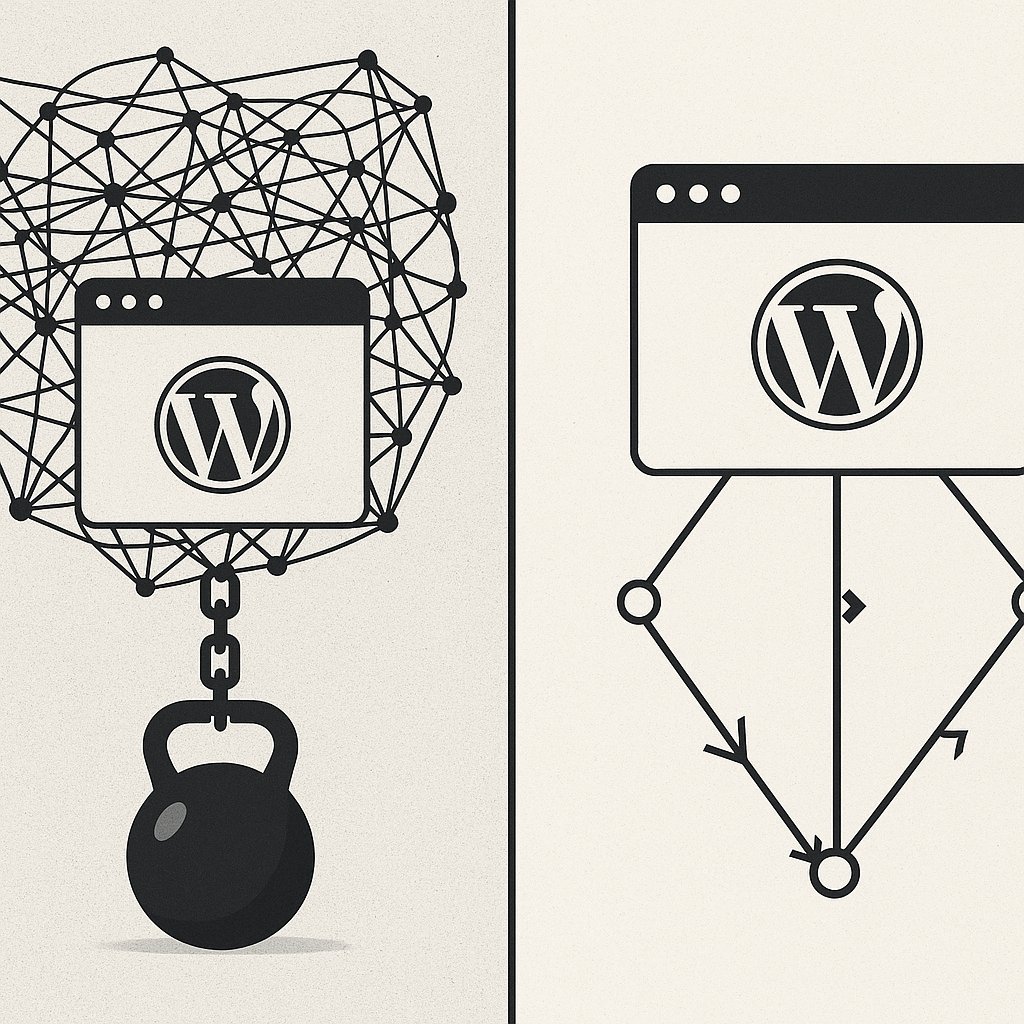
Here’s what nobody talks about: your internal linking architecture directly impacts how fast your WordPress site loads, how efficiently Google crawls it, and ultimately, how it ranks. When every page links to dozens of others with no strategy, you’re not building authority—you’re building technical debt.
The Hidden Performance Cost of Chaotic Internal Links
Think about how most WordPress sites evolve. You publish articles. Add sidebar widgets. Insert footer menus. Before long, your homepage alone might be generating 200+ HTTP requests just from internal links scattered across navigation, content, widgets, and footers.
Each link isn’t free. Every hyperlink on your page adds to the DOM size, increases parsing time, and forces browsers to evaluate more elements before rendering content. When you have pages linking to 50, 100, or 150 other URLs with no strategic purpose, you’re creating performance bottlenecks that compound across your entire site.
Large, complex DOMs directly hurt your Largest Contentful Paint (LCP) scores. Google’s own research shows that pages with more than 1,500 DOM nodes start seeing measurable performance degradation. Excessive internal links bloat your DOM unnecessarily.
But the real damage happens at the crawl level.
How Link Bloat Wastes Your Crawl Budget
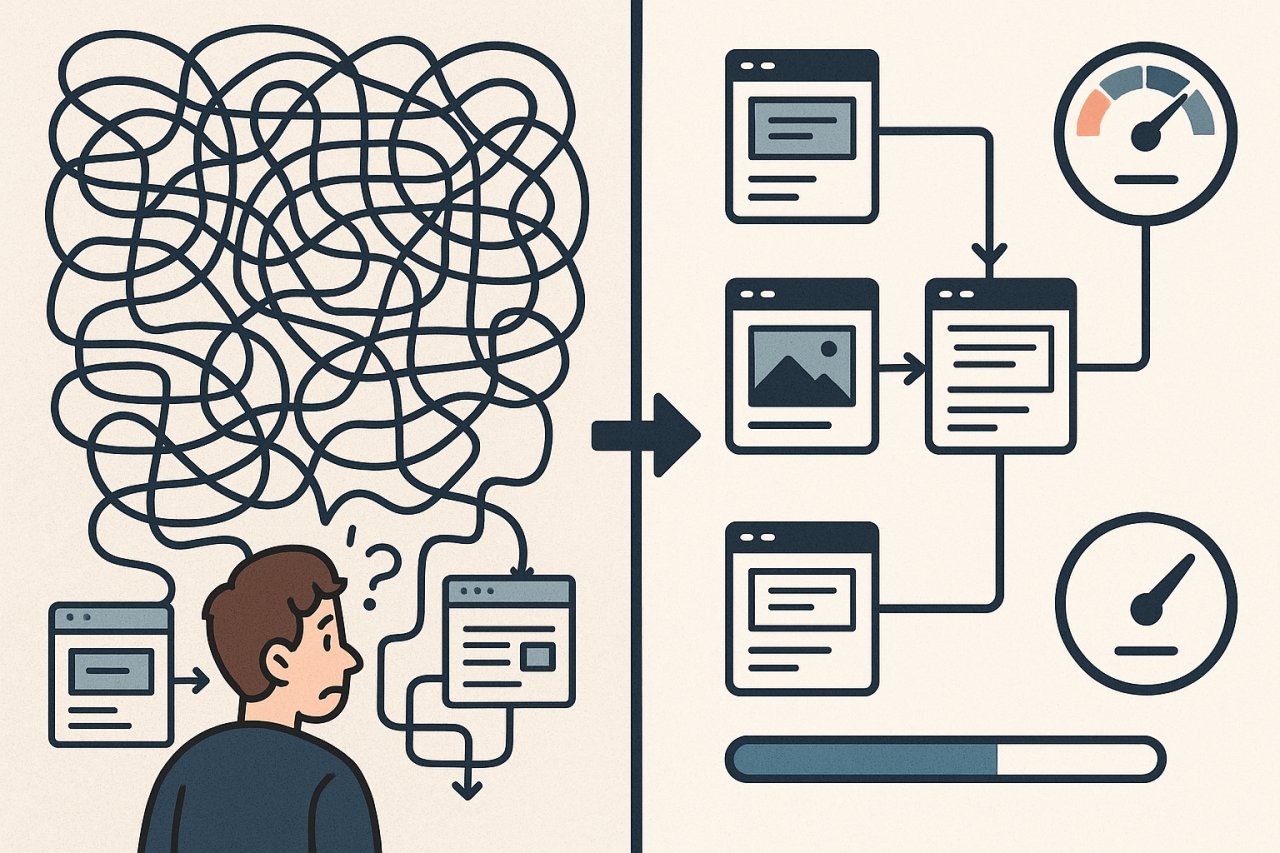
Google doesn’t crawl your entire site every day. You have a crawl budget—a limited number of pages Googlebot will visit during each session. When your link structure is chaotic, with every page linking to dozens of others randomly, you force Google to waste that budget navigating a maze.
Here’s what happens: Googlebot lands on your homepage, sees 200 links, and tries to prioritize which ones matter. Your new, high-value content sits three clicks deep, reachable only through a convoluted path. Meanwhile, your ancient tag archives get crawled repeatedly because they’re linked from every sidebar.
The result? Google crawls the wrong pages while missing your best content. Your new articles don’t get indexed quickly. Your rankings stagnate. And all because your link structure treats every page as equally important—which means nothing is actually important.
The Core Web Vitals Connection You’re Missing
Core Web Vitals measure user experience through three key metrics: LCP, First Input Delay (FID), and Cumulative Layout Shift (CLS). Strategic internal linking improves all three.
When you reduce unnecessary links, you shrink your DOM. Smaller DOM means faster LCP. When you guide users to relevant next steps instead of offering 100 options, you reduce decision paralysis and improve engagement—which signals quality to Google.
More importantly, a clean link structure prevents the cascade effect. You know that moment when a page loads, you try to click something, and the layout shifts because a late-loading element just appeared? That’s CLS. Often, it’s caused by navigation menus or related post widgets loading dozens of thumbnails asynchronously.
Streamlined linking architecture eliminates unnecessary widgets, focuses on content, and delivers a faster, more stable experience.
Why WordPress Makes This Problem Worse
WordPress wasn’t designed for 500-page content sites. It was built for simple blogs. As your site grows, default WordPress behavior actively works against performance:
Automatic archives create hundreds of paginated pages, each linking to dozens of posts. Tag and category pages multiply like rabbits. Related post plugins query your database on every page load, adding server overhead. Navigation menus pull data from custom queries.
Most WordPress themes compound the problem. They add link-heavy footers, sidebars crammed with widgets, and breadcrumb trails—all before you’ve written a single strategic internal link in your actual content.
The performance impact is measurable. A typical WordPress site with 200 published posts might have:
- 200 post pages
- 50+ category and tag archives
- 30+ author archives
- 100+ paginated archive pages
- Date-based archives Google will never rank
That’s 400+ URLs before you count custom post types or landing pages. Most of those pages offer zero SEO value, yet they all demand crawl budget, database queries, and bandwidth.
The Database Query Nightmare
Every time WordPress generates a page with internal links, it queries your database. Related post plugins are the worst offenders—they run complex queries to find similar content based on tags, categories, or custom taxonomies.
When you have 10,000+ database queries per page load, your Time to First Byte (TTFB) suffers. No amount of caching can fully compensate for a fundamentally inefficient link generation system hitting your database repeatedly.
What Strategic Internal Linking Actually Looks Like
Effective internal linking isn’t about quantity. It’s about intentional pathways that serve both users and crawlers. Here’s the framework:
Every page should link to 3-8 other pages—no more. Those links should represent logical next steps for the user or topically related content that builds authority. Your homepage should link to your most important category or pillar pages, not your 20 most recent posts.
Your pillar pages should link down to supporting cluster content. Those cluster articles should link back to the pillar and sideways to related clusters. This creates a clean hierarchy that Google understands instantly.
Instead of letting WordPress generate automatic archives, you manually curate which pages deserve prominent linking. You eliminate tag archives entirely if they don’t serve users. You noindex author pages if you’re a solo blogger.
The performance benefits are immediate:
- Smaller DOM sizes across your site
- Fewer database queries per page load
- Faster crawling and indexation
- Better user engagement metrics
- Improved Core Web Vitals scores
How to Audit Your Current Link Structure
Start by crawling your site with Screaming Frog or Sitebulb. Export the internal link data. Sort pages by total number of outbound links. Any page with more than 100 internal links is a red flag.
Next, check your average internal links per page. If it’s above 50, you’ve got bloat. Industry benchmarks suggest 20-30 internal links per page as a healthy range—including navigation, content, and footer links.
Look for patterns. Are your sidebar widgets adding 40 links to every single page? Is your footer menu linking to pages that haven’t been updated in five years? Are related post plugins recommending content based on tenuous connections?
Tools like AI Internal Links can analyze your existing structure and identify where strategic links would add value versus where bloat is holding you back.
Implementing Performance-First Internal Linking
Once you’ve audited your site, it’s time to rebuild intentionally. Start by stripping down. Remove sidebar widgets that add non-essential links. Simplify your footer to core pages only. Disable tag archives if they don’t serve a purpose.
Then, focus on content-level linking. Every article should link to 2-5 related pieces—no more. Choose those links based on topical relevance and user intent, not algorithmic similarity.
For a travel blog post about Paris hotels, link to your Paris food guide, your France visa article, and maybe your European budget travel pillar. Don’t link to unrelated posts just because they mention “hotel” somewhere.
The Technical Implementation
Disable unnecessary WordPress features. Turn off date-based archives in your robots.txt. Noindex paginated pages beyond page 2. If you’re using Yoast, enable the “noindex for author archives” setting unless you’re a multi-author site.
Replace database-heavy related post plugins with static, manually-curated recommendations. Yes, it takes more work upfront. But your TTFB will thank you, and your recommendations will actually be relevant.
Use lazy loading for any remaining dynamic link modules. If you must have a “popular posts” widget, load it after the main content renders. Don’t let it block your LCP.
Measuring the Performance Impact
After implementing strategic linking changes, you should see improvements within days. Run PageSpeed Insights again. Your DOM size should be notably smaller. LCP should improve by 0.3-0.8 seconds, depending on how bloated your previous structure was.
Check Google Search Console. Your crawl stats should show higher pages crawled per day despite Googlebot spending less time on each session. That’s efficiency.
User metrics tell the real story. Monitor bounce rate, time on site, and pages per session. When visitors can actually find their next logical step instead of facing a wall of 100 links, engagement improves dramatically.
The Rankings Follow Performance
Google’s algorithm weighs Core Web Vitals as a ranking factor. But more importantly, better performance creates better user experiences, which drives longer visits, more engagement, and stronger behavioral signals.
When your site loads fast, crawls efficiently, and guides users through a logical content journey, rankings improve as a natural consequence. You’re not gaming the system—you’re building a genuinely better site.
Maintaining Performance as You Scale
The biggest challenge isn’t fixing your link structure once—it’s maintaining discipline as you publish new content. Every new article is an opportunity to either strengthen your strategic architecture or slide back into chaos.
Set rules. Before publishing, identify which 3-5 existing articles should link to this new piece, and which 3-5 pieces this article should link to. Update older content to reference new articles when relevant. Treat internal linking as an editorial decision, not an afterthought.
Audit quarterly. Set a calendar reminder to export your link data, check for bloat, and prune links that no longer serve a purpose. Sites evolve. Content becomes outdated. Strategic linking requires ongoing curation.
Your WordPress site’s speed isn’t just about plugins and hosting. It’s about information architecture, intentional linking, and respecting both user attention and search engine crawl budgets. Get your internal links under control, and watch your performance metrics—and rankings—climb in response.