
Table of Contents
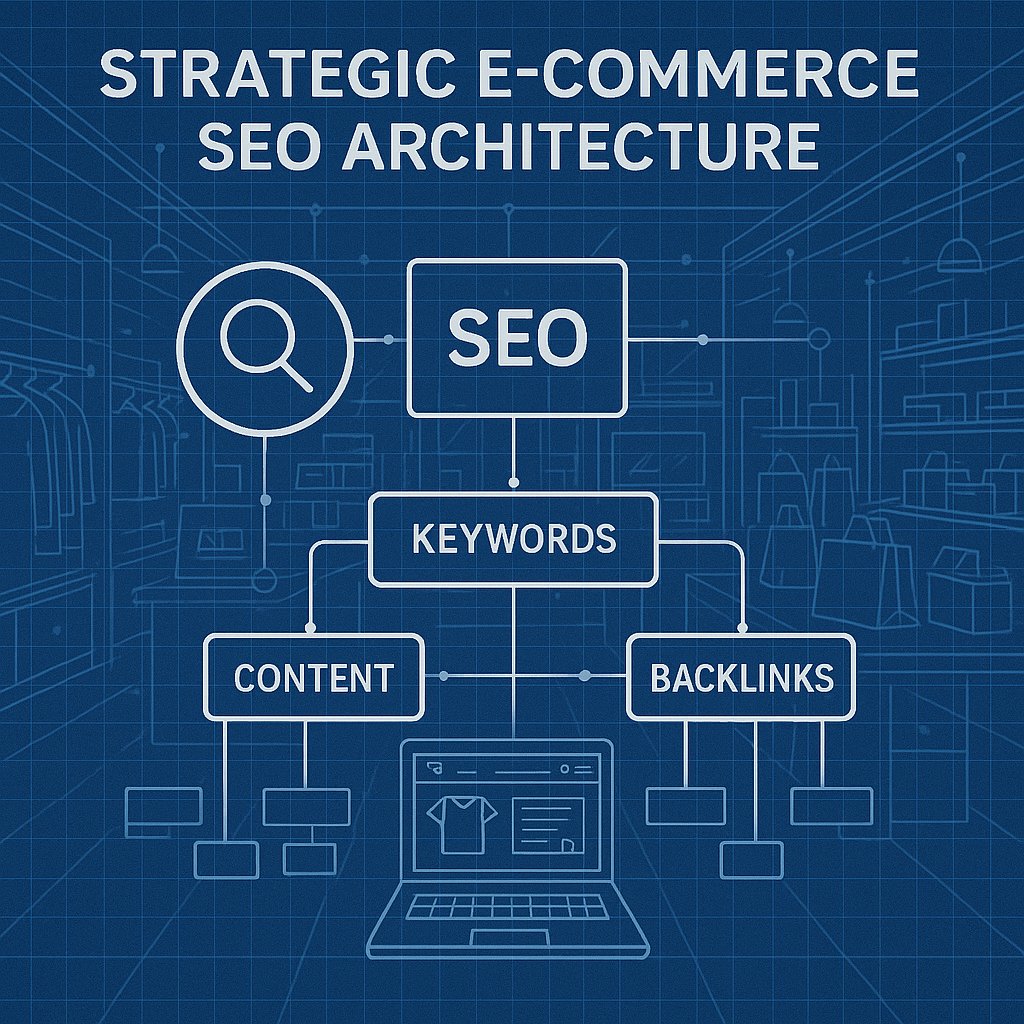
E-commerce SEO isn’t about gaming the system. It’s about making it ridiculously easy for search engines to understand what you sell and which pages deserve to rank. That starts with on-page optimization — the stuff you control completely without needing to beg for backlinks.
Here’s the problem: most WooCommerce sites have hundreds or thousands of product pages competing with each other. No clear hierarchy. No internal linking strategy. Google sees a flat catalog and guesses which pages to prioritize. Usually wrong.
Why Most WordPress Stores Get On-Page SEO Backwards
Walk through a typical WooCommerce setup. You’ve got product pages, category pages, maybe some blog posts about your products. Each one exists in isolation. The homepage links to categories. Categories list products. That’s it.
That structure tells Google: all my products are equally important. None of them connect to each other. I have no expertise to demonstrate.
The stores ranking on page one do the opposite. They create topical relationships between pages. A product page for running shoes links to a guide about choosing the right shoe type. That guide links to related products. Category pages contextualize their products with actual content, not just a grid of images.
This isn’t about creating more pages. It’s about making the pages you have work together.
The Product Page Wasteland Problem
Most product pages are SEO ghosts. Manufacturer description copied straight from the supplier. Five bullet points. An ‘Add to Cart’ button. Zero unique value.
Google’s algorithm in 2026 is hunting for expertise and context. If your product page reads like everyone else’s, you’re competing purely on domain authority and backlinks. Good luck with that against Amazon.
The fix: treat every product page like a mini landing page. Answer the questions buyers actually search for. ‘Best running shoes for flat feet’ isn’t a product name — it’s a question your product page should answer directly in the content.
Category Pages That Actually Rank
Here’s where most stores blow it completely. Category pages become pagination nightmares — page after page of products with zero indexable content.
Category pages should be hub pages. They’re perfect for targeting broader search terms (‘men’s running shoes’) while individual products target specific queries (‘Nike Air Zoom Pegasus 40 review’).
Add 300-500 words of actual content above the product grid. Not fluff. Real guidance about what makes this category valuable, how to choose between options, what problems these products solve. Then link to your best-performing products in that content — not just in the grid below.
Product Page Optimization That Moves the Needle
Title tags for products need surgery in most stores. Don’t just slap the product name in there and call it done.
Bad: ‘Pro-Lite 3000 Tennis Racket’
Better: ‘Pro-Lite 3000 Tennis Racket – Lightweight Carbon Fiber for Intermediate Players’
The second version tells Google exactly what this product is and who it’s for. It targets the actual search intent, not just the product name.
Your meta description isn’t ad copy. It’s a relevance signal. Include key specs, the main benefit, and ideally a qualifier that filters out bad-fit searchers (‘for intermediate players’ stops beginners from bouncing immediately).
Product Descriptions That Rank and Convert
The manufacturer description you copied? Delete it. Google has seen that exact text on fifty other sites. Zero chance of ranking.
Write unique descriptions that actually help buyers decide. Structure matters:
- Opening paragraph: What problem does this solve? Lead with the benefit, not the feature.
- Use cases: Who is this for? Be specific. ‘Perfect for trail runners who need extra ankle support’ beats ‘great for active people.’
- Key differentiators: Why this over competitors? Don’t be generic.
- Technical specs: Yes, include them, but after you’ve made the case.
Aim for 500-800 words on key products. Not every product needs this depth — focus on your best sellers and highest-margin items first.
Image Optimization Everyone Skips
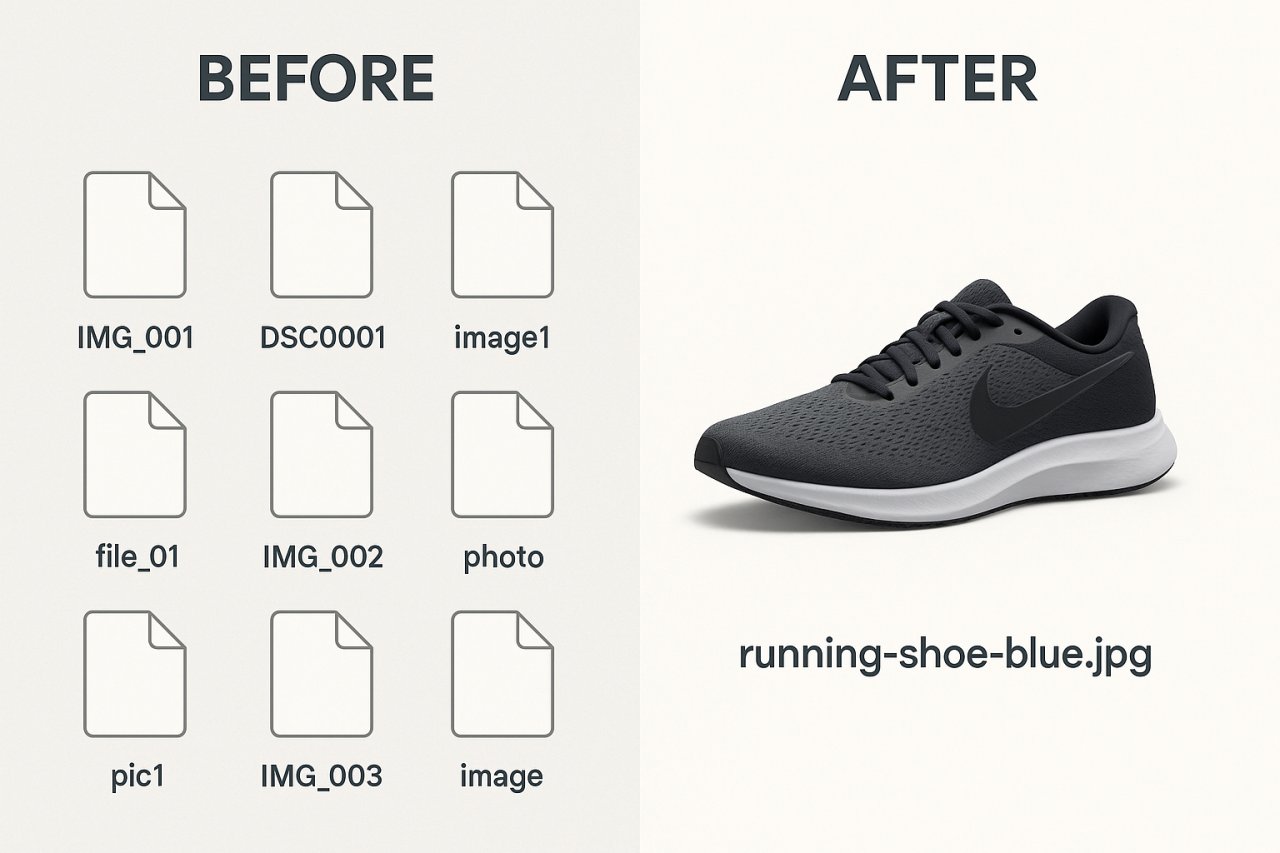
Your product images are indexable content. Most stores upload ‘IMG_3847.jpg’ and wonder why they don’t rank in Google Images.
Rename files before upload: ‘nike-air-zoom-pegasus-40-side-view.jpg’ — descriptive, keyword-rich, human-readable.
Alt text isn’t where you stuff keywords. Describe what’s actually in the image: ‘Nike Air Zoom Pegasus 40 running shoe in blue colorway, side profile showing mesh upper and foam midsole.’ That’s useful for accessibility and gives Google context.
Google Images drives real e-commerce traffic. Especially for visually-driven products (furniture, fashion, anything aesthetic). Don’t leave it on the table.
Internal Linking Architecture for E-commerce
This is where WordPress stores leave the most money behind. Your internal links determine which pages Google decides matter most.
If your homepage links to fifty category pages, and those categories each list two hundred products, every page gets a tiny fraction of authority. No clear signal about priority.
Build a hierarchy instead:
Top tier: Homepage and key category pages get the most internal links.
Mid tier: Subcategories and featured products get linked from multiple categories and relevant blog content.
Bottom tier: Individual products get links from their category, related products, and any content where they’re genuinely relevant.
Most importantly, create contextual links between products. Someone looking at a camera body should see links to compatible lenses, not just ‘related products’ auto-generated by your theme.
Related Products That Actually Help SEO
The default WooCommerce related products widget is algorithm-driven garbage. It shows products from the same category, regardless of actual relevance.
Manually curate related products for your top-sellers. Link camping tents to sleeping bags and camp stoves — products that genuinely complement each other. These contextual internal links help Google understand your product relationships and keep users on site longer.
Think like a salesperson. What does someone buying this product need next? Link to that.
Automating Smart Internal Links
Here’s the reality: if you’ve got 500+ products, manual internal linking isn’t scalable. You need automation that’s actually smart — not just keyword matching.
This is where AI-driven tools separate the winners from everyone else. Tools like AI Internal Links analyze your content and product relationships to suggest contextual links that make sense. It’s not about quantity — it’s about relevance.
The plugin reads your product descriptions, understands topical relationships, and creates links that reinforce your site architecture. No manual tagging required. No spreadsheets mapping which products to link where.
For large catalogs, this is the difference between a coherent internal linking strategy and a mess.
Technical SEO Fixes That Matter for Stores
Let’s talk about the stuff that breaks e-commerce SEO quietly. No dramatic errors. Just slow bleeding in the rankings.
URL Structure and Canonicalization
WooCommerce creates product URLs with category slugs by default: ‘yourstore.com/shoes/running-shoes/nike-pegasus/’. Sounds logical. Creates a problem.
If that product appears in multiple categories (it will), you get duplicate URLs. Google has to guess which one is canonical. Usually wrong.
Simplify: ‘yourstore.com/product/nike-pegasus/’. Cleaner. No duplication. Use breadcrumbs to show category hierarchy visually without muddling the URL structure.
Set canonical tags properly. Every product variant (size, color) should point back to the main product URL. Pagination on category pages should self-reference, not point to page one.
Handling Out-of-Stock Products
What do you do when a product sells out? Most stores either delete the page (destroying any accumulated authority) or leave it up with a sad ‘out of stock’ message (terrible user experience).
Better approach: keep the page live but add value. ‘This model is sold out, but here are three alternatives with similar features.’ Link to those alternatives. You retain the SEO equity and convert the visitor anyway.
If it’s never coming back, 301 redirect to the closest alternative product or the category page. Don’t orphan the URL.
Schema Markup for Product Pages
Google’s rich results for products — price, availability, reviews — come from structured data. WooCommerce adds basic schema, but most stores leave money on the table by not optimizing it.
Use the Product schema type. Include all available properties: price, availability, SKU, brand, review ratings, aggregate rating count. The more complete your schema, the better your search appearance.
Test it in Google’s Rich Results Test tool. Fix any errors. This isn’t optional anymore — rich results get dramatically higher click-through rates than plain blue links.
Content Strategy for E-commerce SEO
Your blog shouldn’t be an afterthought. It’s your topical authority engine.
But here’s where most stores fail: they write generic content with zero connection to their products. ‘Ten Ways to Stay Healthy in Winter’ on a supplement store. Okay. How does that help you sell supplements?
Write content that directly supports your product pages:
- Buying guides: ‘How to Choose the Right Running Shoe’ that links to specific products as examples
- Comparison posts: ‘Trail Runners vs Road Shoes: Which Do You Need?’ — direct internal links to both categories
- Use case content: ‘Best Gear for Marathon Training’ — curated list of your products with context
Every blog post should link to at least 3-5 relevant product or category pages. That’s the whole point. You’re building topical clusters with your products at the center.
User-Generated Content as an SEO Asset
Product reviews aren’t just for conversion. They’re fresh, unique content that Google loves. Every review adds indexable text to your product pages.
Encourage detailed reviews. Don’t just ask for a star rating — prompt customers to describe how they use the product, what problems it solved, how it compares to alternatives. That depth creates long-tail keyword coverage you’d never write yourself.
Bonus: review content often includes natural keyword variations you wouldn’t think to target. Someone writes ‘perfect for narrow feet’ — boom, you’re now ranking for a search term you didn’t optimize for.
Performance and SEO for WordPress Stores
Slow stores don’t rank. Full stop. Google’s Core Web Vitals are ranking factors, and e-commerce sites are notorious for bloat.
Largest Contentful Paint (LCP): How fast your main content loads. Product images kill this metric if they’re not optimized.
First Input Delay (FID): How quickly your site responds to user interaction. Heavy JavaScript from tracking pixels and widgets destroys this.
Cumulative Layout Shift (CLS): How much your page jumps around while loading. Image size attributes and proper CSS prevent this.
Lazy load images below the fold. Compress everything. Use a proper caching plugin (WP Rocket is worth the $59, just get it). Minimize third-party scripts — every tracking pixel adds render-blocking weight.
Run your store through Google’s PageSpeed Insights. Fix the red items first. Don’t obsess over perfect scores, but get out of the ‘Poor’ category at minimum.
Making It All Work Together
The stores that win at SEO in 2026 don’t do one thing brilliantly. They do ten things well enough that the cumulative effect dominates.
Optimized product pages that answer buyer questions. Category pages that act as hubs. Internal linking that reinforces hierarchy and relevance. Content that supports products instead of existing in isolation. Technical foundations that don’t sabotage everything else.
None of this is rocket science. It’s just discipline. Most stores launch, add products, and never revisit the structure. The ones ranking on page one treat SEO as ongoing architecture, not a one-time project.
Start with your top twenty products. Rewrite those pages properly. Build internal links from your content to those products. Fix the technical issues that are bleeding authority. Then scale that process across your catalog.
You don’t need a massive budget. You need a plan and the consistency to execute it. Your competition probably isn’t doing this. That’s your opportunity.