
Table of Contents
- Why Most On-Page SEO Checklists Are Useless
- The Universal On-Page SEO Template (Start Here)
- Blog Post Template: Informational Content That Clusters
- Landing Page Template: Conversion-Focused SEO Structure
- Comparison Page Template: When You’re Targeting “X vs Y” Queries
- How to Scale These Templates Without Copy-Paste Hell
- The Template Isn’t the Content — It’s the Frame
- Start With One Template, Then Expand
You’ve seen it happen. You write a solid 1,500-word post, stuff it with the right keywords, add a meta description, hit publish — and it sits on page three. Meanwhile, a shorter competitor piece with half your word count ranks in position four. The difference? Their structure tells Google exactly what the page is about before the bot even finishes crawling the H2s.
Here’s the thing most SEO guides won’t tell you: you need an on-page SEO template before you write a single paragraph. Not a vague outline. A repeatable blueprint that forces you to slot internal links, semantic sections, and schema-friendly blocks into predictable places. Every. Single. Time.
Why Most On-Page SEO Checklists Are Useless
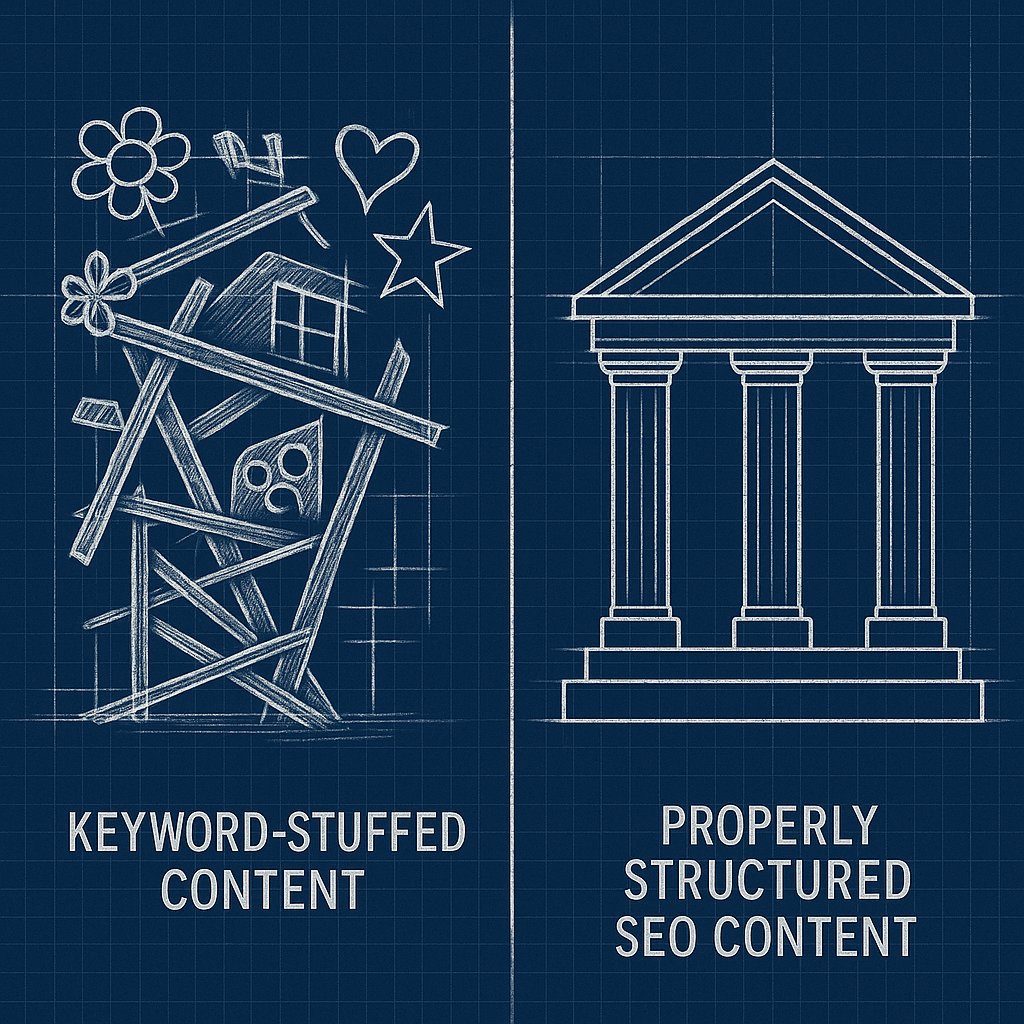
You know the drill. Title tag: check. Meta description: check. One H1: check. But those surface-level tasks don’t address the real problem — most posts lack structural integrity. They’re designed like essays, not ranking machines.
Search engines don’t read your content the way humans do. They parse heading hierarchies, extract entities from the first 200 words, measure semantic density in each section, and follow internal links to understand topical relationships. If your template doesn’t account for this crawl behavior, you’re writing blind.
Look at any Ahrefs or Backlinko pillar post. You’ll notice the same skeletal structure: problem statement up top, logical H2 sections that each answer a sub-question, contextual internal links dropped exactly where Google expects them, and semantic FAQ blocks at the end. That’s not coincidence. It’s a template, executed ruthlessly.
The Universal On-Page SEO Template (Start Here)
Every post type needs a baseline structure. This works for 80% of informational blog content:
Opening Block: The 150-Word Rule
Your first 150 words must accomplish three things: state the main keyword naturally, preview the value proposition, and drop at least one internal link to a related pillar page. This isn’t filler. Google weights this section heavily for semantic relevance.
Bad opening: “In this article, we’ll explore the basics of internal linking and why it matters for SEO.”
Good opening: “Most WordPress sites waste 60% of their link equity because they treat internal linking like an afterthought. Here’s how to fix that — starting with the posts you already published.”
H2 Structure: The Three-Layer Approach
Your H2 sections should follow a predictable flow: define the problem, break down the solution, show implementation. Each H2 should be specific enough that a reader skimming headings alone understands the full argument.
Avoid generic H2s like “What Is Internal Linking?” Instead: “Why Your Internal Links Are Pointing to the Wrong Pages.”
Under each H2, aim for 2-3 H3 subsections. This creates visual rhythm and forces you to break complex ideas into digestible chunks. If you can’t split an H2 into sub-topics, it’s probably too narrow to deserve its own section.
Internal Link Slots: Designed, Not Random
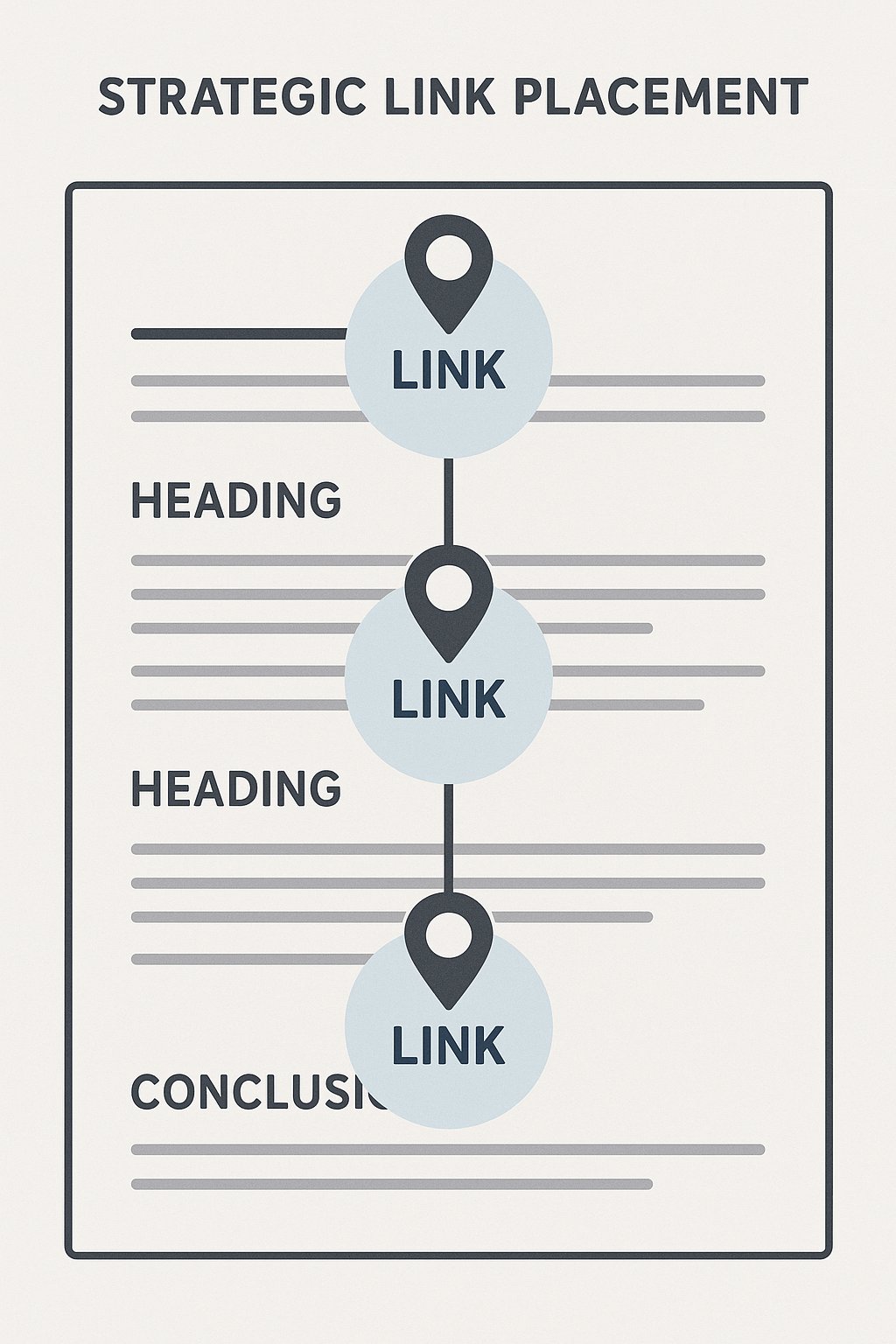
Here’s where most templates fail. They tell you to “add internal links” without specifying where or how many. You need designated link slots. Reserve space in your template for at least:
- One contextual link in the opening 150 words (to a pillar or hub page)
- One mid-article link after the second H2 (to related supporting content)
- One deep link in the final section before the conclusion (to less visible but relevant pages)
This isn’t arbitrary. By embedding internal link “hooks” in predictable places, you make it infinitely easier for AI-powered systems to automate link insertion later without disrupting readability.
Blog Post Template: Informational Content That Clusters
Informational posts (how-to guides, explainers, list articles) need a structure that Google recognizes instantly. Here’s the template:
Title Tag + H1: Front-Load the Keyword
Your H1 should mirror the title tag but can be slightly more conversational. The main keyword must appear in the first five words. This isn’t 2015 advice — it’s still the fastest signal you can send.
Introduction: 100-200 Words Max
State the problem, hint at the solution, internal link to a related topic. Done. If your intro runs past 200 words, you’re burying the value.
Core Sections: 3-5 H2s with Semantic Depth
Each H2 should expand on one facet of your main topic. Under each, add 2-3 H3s that drill into specifics. For example:
H2: How to Audit Your Internal Link Structure
- H3: Tools That Show You Orphan Pages in Under 60 Seconds
- H3: How to Identify Over-Optimized Anchor Text
- H3: Mapping Link Equity Flow Across Your Site
Notice the progression. You’re not just listing facts — you’re walking the reader through a process.
FAQ Section: Schema-Friendly Questions
Add 3-5 short FAQ items at the end. Use actual H3 tags formatted as questions. Google often pulls these into featured snippets, and they give you natural opportunities to internal link to pages that answer those questions in depth.
Conclusion: One Sentence + CTA
No fluff. Restate the core insight in one sentence, then direct readers to a related post or action. “Now that you’ve mapped your internal links, here’s how to scale the process with automation.”
Landing Page Template: Conversion-Focused SEO Structure
Landing pages have different goals than blog posts, but they still need to rank. Here’s how to balance persuasion and optimization:
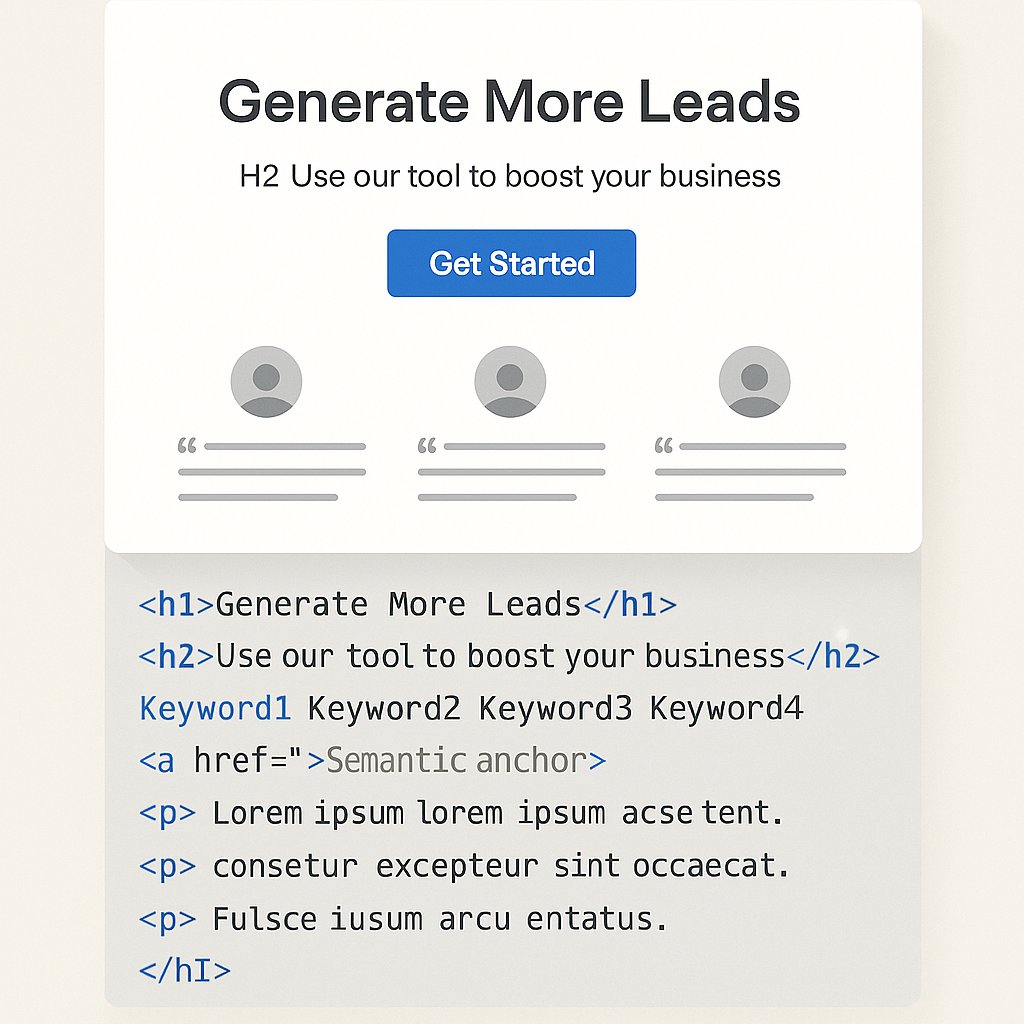
Hero Section: Value Prop + Primary Keyword
Your H1 should sell and rank simultaneously. “AI-Powered Internal Linking for WordPress — Automate Link Placement in Minutes” hits the keyword and the benefit.
Problem → Solution → Proof
Structure landing pages in three acts. First H2: articulate the pain point using the language your audience actually uses. Second H2: introduce your solution without jargon. Third H2: show proof (testimonials, case study snippets, logos).
Feature Blocks with Semantic Anchors
If you’re listing features, each one gets an H3. This makes the page crawlable and lets you internal link from blog content to specific feature sections using anchor links. “Want to see how anchor text optimization works? Check out this feature.”
Comparison Page Template: When You’re Targeting “X vs Y” Queries
Comparison content is uniquely valuable for internal linking because it naturally connects to multiple product or topic pages.
Overview Section: Establish Neutrality Fast
Lead with an objective H2 like “WP Rocket vs W3 Total Cache: What You’re Actually Choosing Between.” This signals to Google that you’re providing balanced information, not a sales pitch.
Side-by-Side Comparison Table
Use an HTML table with bolded criteria in the left column. Readers skim tables, and Google parses them for structured data. Include rows for pricing, features, ease of use, and support.
When to Choose Each Option
Dedicate one H2 to clear recommendations. “Choose WP Rocket if you need simplicity and support. Choose W3 Total Cache if you’re comfortable editing config files.” Specificity builds trust.
Internal Link to Deep-Dive Reviews
At the end of the comparison, internal link to standalone reviews or setup guides for each option. This keeps users on your site and distributes PageRank to less visible pages.
How to Scale These Templates Without Copy-Paste Hell
Here’s the reality: templates only work if you actually use them. And manually inserting internal links into 50+ posts using a template is miserable work.
The solution isn’t to skip internal linking. It’s to design your templates with automation in mind. When you structure posts with predictable H2s, semantic sections, and designated link slots, AI-powered tools like AI Internal Links can drop contextually relevant links into those slots automatically — without you babysitting anchor text for hours.
You set the rules (which pages link to what, how many links per post, which anchor variations to allow), and the plugin handles execution. The template gives the AI a map. The AI gives you back time.
The Template Isn’t the Content — It’s the Frame
A common objection: “If I use a template, won’t my content feel formulaic?”
No. The template is structure, not voice. Great SEO content has bones. Headings in logical order. Links in predictable places. Semantic sections that make sense to crawlers.
What makes your content unique is the insights you slot into that structure. The template just ensures Google can find and rank those insights. Without it, you’re hoping the algorithm figures out your brilliance on its own.
It won’t.
Start With One Template, Then Expand
Don’t try to build templates for every content type at once. Pick your highest-volume post type — probably informational blog posts — and lock in that structure first. Write ten posts using it. Measure what ranks.
Once you see consistent results, templatize your landing pages. Then comparisons. Then product pages. Templates compound. The more your site follows predictable patterns, the easier it becomes for both readers and search engines to navigate your entire content ecosystem.
And when your internal linking structure mirrors those templates, you’ve built something Google loves to crawl — and readers love to explore.