
Table of Contents
- The Time Math Nobody Talks About
- Consistency Is Where Manual Linking Fails at Scale
- Scalability: When Your Site Outgrows Manual Processes
- The SEO Impact Reality: Do Plugins Actually Work?
- Decision Framework: Which Approach Fits Your Site
- Implementation: What Actually Changes
- Making the Switch Without Breaking Existing Links
I’ve watched site owners spend 20 minutes per post hunting for relevant internal links, only to link to the same five high-traffic articles every time. Meanwhile, dozens of perfectly relevant posts sit unlinked three clicks deep, invisible to both users and search engines.
The question isn’t whether a WordPress internal linking plugin can insert links faster than you can. It’s whether the approach actually delivers better SEO outcomes or just clutters your content with algorithmic guesses.
The Time Math Nobody Talks About
Manual internal linking on a ten-post blog takes maybe five minutes per article. You remember what you wrote last week. You know which posts connect. You can craft contextual anchor text that flows naturally.
Scale that to 200 posts and the math breaks. Spending 15 minutes per post searching your own archive, checking what’s already linked, and deciding anchor text adds up to 50 hours of work. That’s before you account for going back to update old posts when you publish something new and relevant.
Automatic internal linking cuts this to minutes because the plugin indexes your entire site. It knows every post, every topic, every existing link structure. When you publish, it scans for semantic matches across your archive and suggests connections you’d never remember manually.
The efficiency gap widens with every post you add. A 50-post site? Manual is manageable. A 500-post site? You’re either ignoring internal linking entirely or you’ve built a linking pattern around your ten most memorable URLs.
Consistency Is Where Manual Linking Fails at Scale
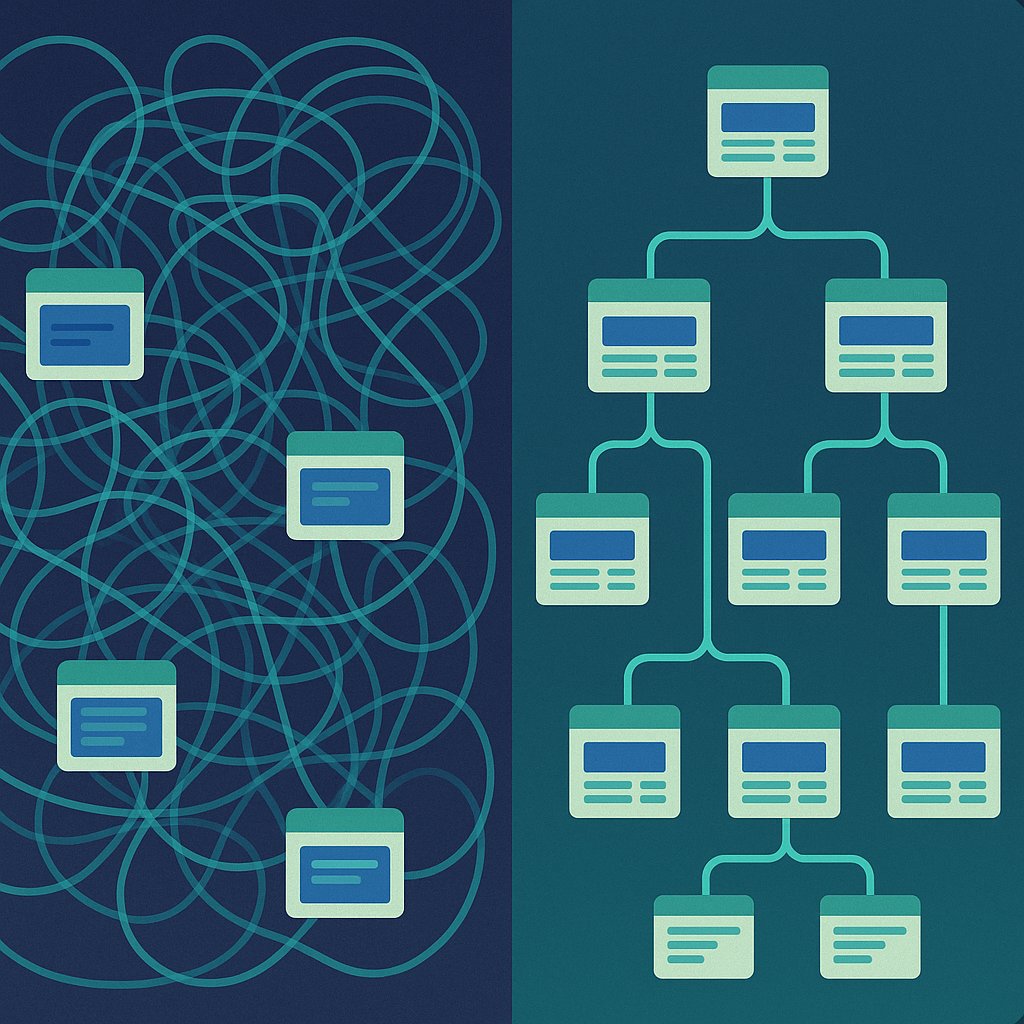
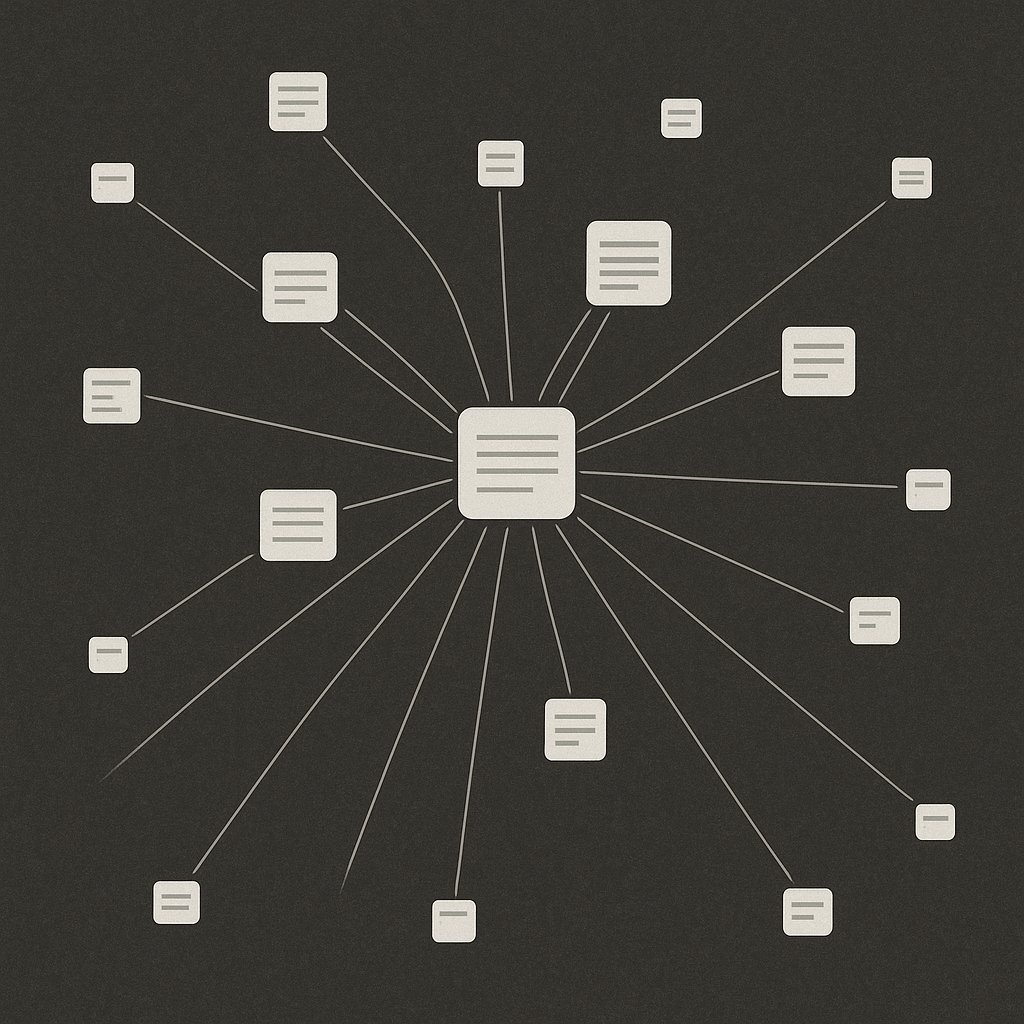
Here’s what happens with manual internal linking over time: you develop favorites. You link to your cornerstone content obsessively because you remember writing it. You forget about that solid tutorial from eight months ago because it didn’t get much traffic and you moved on.
This creates a power law distribution where 10% of your posts get 90% of your internal links. Google sees this and interprets it as those ten posts being your only important content. The rest? Filler.
A WordPress internal linking plugin doesn’t have recency bias. It evaluates semantic relevance algorithmically. If you publish a new post about WordPress security and you wrote a related piece two years ago about plugin vulnerabilities, the plugin connects them. You wouldn’t have remembered that old post existed.
The consistency extends to anchor text. Manually, you’ll default to lazy anchors: “this post,” “click here,” “read more.” You know you should write descriptive anchor text, but when you’re in flow state writing, you take shortcuts. Automation enforces anchor text optimization by pulling relevant phrases from the target post’s title or content.
Scalability: When Your Site Outgrows Manual Processes
Every WordPress site hits a threshold where manual internal linking becomes structurally impossible. For a solo blogger publishing twice a week, that threshold is around 150-200 posts. For a multi-author site or agency managing client content, it’s much sooner.
The problem isn’t just new posts—it’s updating old ones. Best practice says when you publish a new piece, you should go back and add links to it from related existing content. Manually, this means:
- Identifying which old posts are topically relevant
- Opening each one in the editor
- Finding a natural insertion point
- Crafting contextual anchor text
- Saving and checking the live page
Do this for five old posts per new publish and you’ve added 30 minutes to your workflow. Skip it and your new content stays orphaned for months.
Internal linking automation solves this by updating bidirectionally. When a new post goes live, the plugin can suggest links from existing posts to it, creating instant distribution through your site architecture without manual intervention.
Agencies running 20+ client sites face an even starker choice: hire someone whose full-time job is internal linking maintenance, or deploy a plugin across all properties and audit quarterly instead of weekly.
The SEO Impact Reality: Do Plugins Actually Work?
The fear with automation is that it’ll spam your content with irrelevant links that hurt readability and user experience. This was true for first-generation internal linking plugins that used basic keyword matching.
Modern WordPress SEO plugins use semantic analysis and contextual relevance. They’re not looking for exact keyword matches—they’re evaluating topic relationships, entity associations, and existing link structures to avoid over-optimization.
Does this perform as well as a human manually selecting the perfect three links per post? In isolation, no. A skilled SEO who knows the site intimately will make better individual decisions.
But consistency beats perfection at scale. A plugin that adds 800 decent internal links across your site outperforms a human who manually adds 100 perfect links and then stops because it’s too time-consuming.
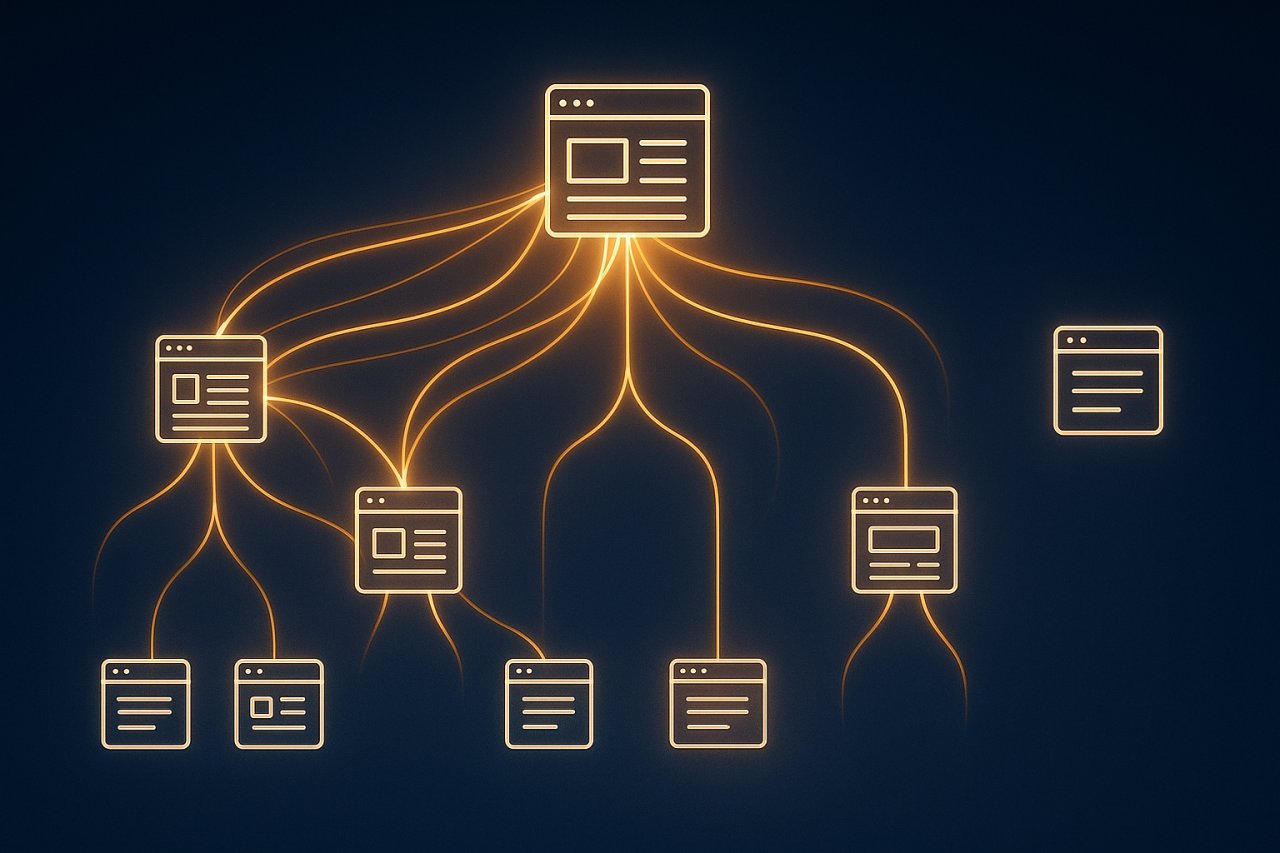
The SEO impact comes from coverage, not individual link quality. Google’s crawler follows links. More well-distributed internal links mean:
- Faster discovery of new content
- Better crawl depth across your entire archive
- Clearer topical relationships between posts
- More pathways for link equity distribution
Manual linking done sporadically can’t achieve this. You need systematic coverage, which requires either inhuman discipline or automated assistance.
Where Manual Linking Still Wins
Automation handles volume, but humans handle strategy. Your homepage hero section, your main navigation, your cornerstone content hub—these need deliberate, manual link architecture.
Plugins also can’t judge narrative flow. If you’re writing a case study that builds sequentially, you’ll want to manually link to Part 1, Part 2, Part 3 in a specific order. An algorithm might suggest topically related posts that break the reader’s journey.
The smartest approach combines both: use a WordPress internal linking plugin for baseline coverage across your archive, then manually add 2-3 strategic links per post that serve specific user journeys or conversion paths.
Decision Framework: Which Approach Fits Your Site
If your WordPress site has fewer than 50 posts and you publish less than once a week, manual internal linking is workable. You can maintain mental models of your content and linking decisions won’t consume hours.
If you’re running a content site with 100+ posts, publishing multiple times weekly, or managing several sites, internal linking automation becomes essential infrastructure. The alternative is either ignoring internal links entirely (terrible for SEO) or spending hours weekly on maintenance (terrible for productivity).
Agencies should default to plugin-based approaches immediately. You can’t bill clients for manual internal linking hours, but you can deliver measurable SEO improvements through systematic link coverage. Tools like AI Internal Links can automate this process across multiple client sites from a single dashboard.
For large WordPress sites (500+ posts), there’s no debate. Manual linking at that scale is organizational fiction. You need automated suggestions, bulk operations, and algorithmic coverage just to maintain baseline site architecture.
The hybrid approach works for most: deploy a WordPress internal linking plugin for automated baseline coverage, then manually add strategic links that serve specific business goals—linking to product pages from relevant tutorials, connecting sequential guides, or building topic clusters around your core offerings.
Implementation: What Actually Changes
Switching from manual to automated internal linking changes your workflow, not your content quality. Instead of stopping mid-draft to hunt for relevant posts to link, you write naturally and let the plugin surface opportunities after publishing.
Your new process becomes:
- Write your post without worrying about internal links
- Publish or save as draft
- Review plugin suggestions for relevance and anchor text quality
- Accept high-confidence matches, reject poor fits
- Manually add 1-2 strategic links the plugin might have missed
This takes 3-5 minutes instead of 15-20, and it scales linearly. Your 500th post takes the same time as your 50th.
The compound effect shows up in site-wide metrics: average clicks-from-search across your archive, not just your newest posts. Pages that never got manual attention start appearing in “People also ask” boxes because Google can finally see how they connect to your broader topic authority.
Making the Switch Without Breaking Existing Links
If you’ve been manually linking for years, you don’t lose that work when you deploy a plugin. Your existing links stay in place. The plugin augments them, filling gaps in your coverage rather than replacing your strategic decisions.
Start by running the plugin in suggestion mode—review all automated recommendations before they go live. This builds trust in the algorithm’s relevance judgments and lets you tune settings for anchor text style, link density, and topic matching sensitivity.
After a month of suggestions, you’ll see patterns. The plugin consistently finds connections you missed. It over-links certain topics and you adjust the settings. You develop confidence that automation handles the 80% grunt work while you focus on the 20% strategic links that drive conversions.
The goal isn’t to eliminate human judgment from internal linking. It’s to eliminate the mechanical searching, the forgetfulness, the inconsistency. A WordPress internal linking plugin is infrastructure, not strategy. You still decide which pages matter most, which user journeys to optimize, which conversions to prioritize. The plugin just makes sure your entire archive participates in those decisions instead of only the posts you happen to remember.
Deploy the plugin, review suggestions for your next five posts, then audit your site-wide link distribution after 30 days. You’ll see coverage in places manual linking never reached, and you’ll get hours back every week to spend on content that actually needs your expertise.