

Table of Contents
- Core Web Vitals: The Baseline Nobody Should Ignore
- Site Architecture: How Google Actually Understands Your Expertise
- Crawl Budget and Indexation: Making Every Crawl Count
- Structured Data: Teaching Google What Your Content Means
- Internal Linking: The Technical Foundation Everyone Underestimates
- How AI Search Changes Your Technical Priorities
- Putting It All Together: Your Technical SEO Audit Checklist
Google’s algorithms have evolved past checkboxes. AI Overviews pull answers from sites that demonstrate structural intelligence — not just fast load times. If your internal architecture doesn’t signal topical authority, you’re invisible to the new search landscape.
This isn’t about abandoning Core Web Vitals. It’s about understanding that speed is the entry ticket, not the main event. The real technical SEO work happens in how your site communicates relationships between content, guides crawlers through semantic hierarchies, and builds evidence of expertise through interconnected information layers.
Let’s rebuild your understanding of technical SEO for WordPress from the ground up.
Core Web Vitals: The Baseline Nobody Should Ignore
Core Web Vitals matter. Full stop.
But they’re table stakes now. If your Largest Contentful Paint sits above 2.5 seconds or your Cumulative Layout Shift makes content jump around, you’re disqualified before the real ranking factors even get evaluated. Google won’t penalize a site with perfect structure if it loads like it’s 2008.
The WordPress ecosystem makes this easier than it used to be. Modern hosting providers (Kinsta, Cloudways, WP Engine) handle server-level optimization automatically. Caching plugins like WP Rocket or LiteSpeed Cache solve 80% of speed problems with three clicks.
Here’s what actually needs your attention:
Image Optimization Beyond Compression
Every unoptimized image is a vote against your technical credibility. Use WebP format by default. Lazy-load everything below the fold. WordPress 5.5+ does this natively, but most sites still serve bloated JPEGs because nobody checked the media library settings.
Tools like ShortPixel or Imagify automate this, but the real win is dimensional discipline. Don’t upload 3000px-wide images when your content column maxes out at 800px. The database bloat alone will hurt you at scale.
JavaScript Execution and Render-Blocking Resources
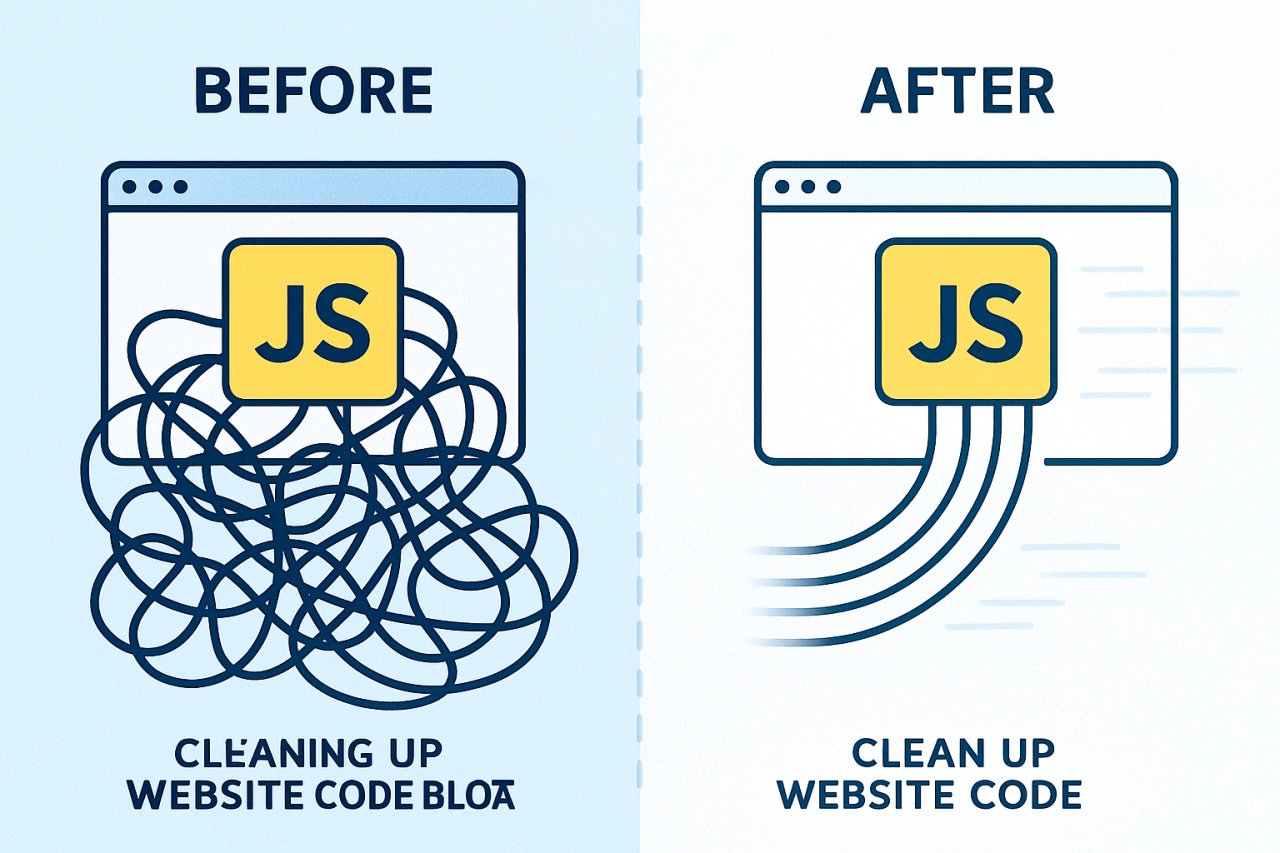
WordPress themes love adding JavaScript for animations nobody asked for. Each script delays interactivity. Use your browser’s DevTools Coverage tab to find which scripts are actually used on each page type. Then eliminate the rest.
Defer non-critical JavaScript. Inline critical CSS. This sounds technical, but plugins like Asset CleanUp or Perfmatters let you do it visually — no coding required.
Mobile Performance Is the Only Performance That Matters
73% of your traffic comes from mobile devices. Google indexes mobile-first. Yet most site owners test performance on their desktop with fiber internet.
Test on a throttled 3G connection using Chrome DevTools. If your site isn’t usable there, your Core Web Vitals scores are lying to you. The real user experience is worse than your lab tests suggest.
Site Architecture: How Google Actually Understands Your Expertise
This is where most WordPress sites fail technical SEO without knowing it.
Your site structure is a signal of authority. A flat architecture where every post sits three clicks from the homepage tells Google you have 200 unrelated articles. A hierarchical structure where content clusters around pillar topics tells Google you have depth in specific areas.
AI search algorithms prioritize sites that demonstrate subject matter mastery. That mastery is communicated through structural relationships, not just keyword density.
The Topic Cluster Model Isn’t Optional Anymore
Organize content in hub-and-spoke architectures. One comprehensive pillar page covers a broad topic. Ten supporting articles dive deep into subtopics, each linking back to the pillar and to each other where relevant.
This isn’t just UX advice. It’s how you signal to crawlers that you own a subject area.
Example: A pillar page on “WordPress Security” links to supporting posts on “Two-Factor Authentication,” “Firewall Configuration,” “Brute Force Protection,” etc. Those supporting posts link back to the pillar and cross-link where security concepts overlap. The entire cluster becomes a semantic entity that Google recognizes as authoritative.
Most WordPress sites publish chronologically and hope for the best. That’s a technical SEO failure masquerading as a content strategy.
URL Structure and Permalink Hygiene
Default WordPress permalinks look like ?p=123. That tells Google nothing.
Use /post-name/ structure under Settings → Permalinks. Keep URLs short, descriptive, and keyword-inclusive. Avoid dates in URLs unless you’re a news site — they make content look stale.
Never change a URL after publishing without setting up a 301 redirect. WordPress doesn’t do this automatically. Use a plugin like Redirection to manage URL changes without losing link equity.
Crawl Budget and Indexation: Making Every Crawl Count
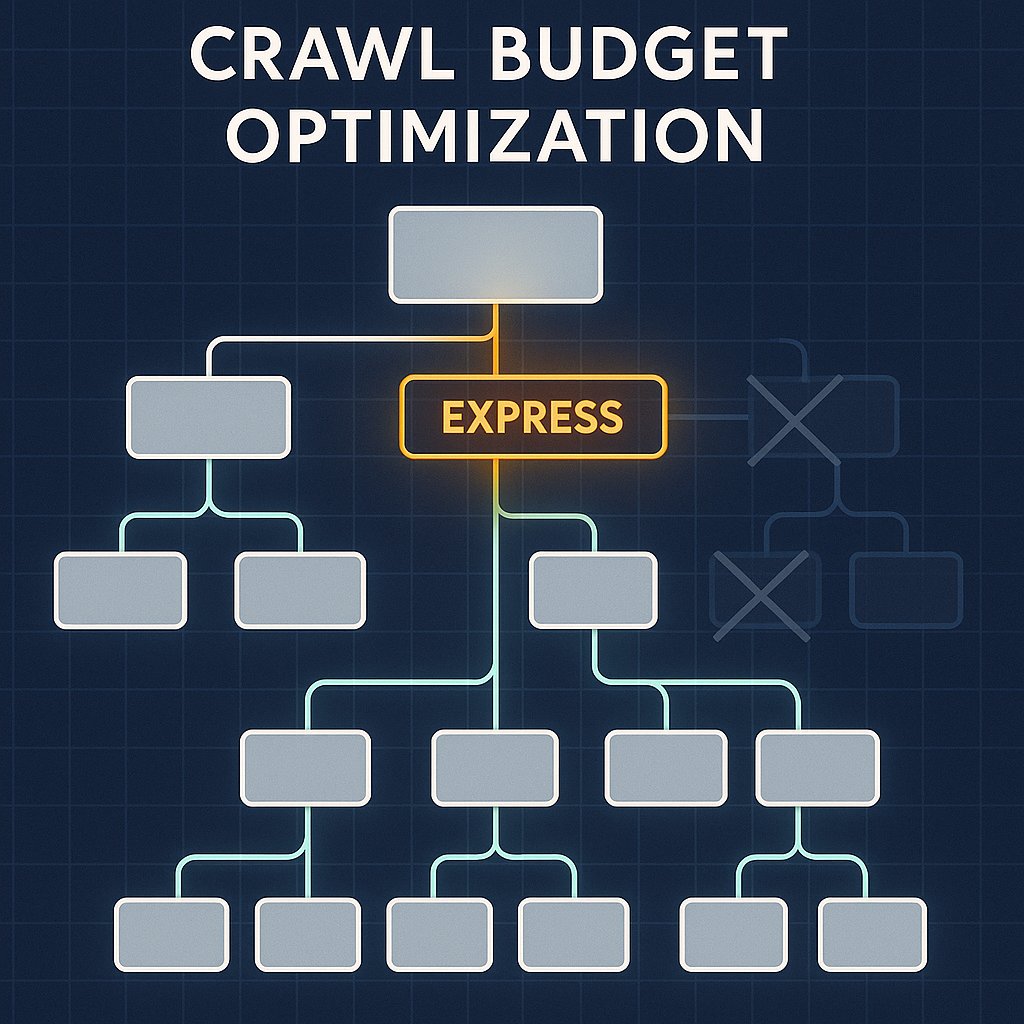
Google doesn’t crawl your entire site every day. It allocates a crawl budget based on your site’s authority, size, and update frequency.
If you waste that budget on low-value pages — tag archives, paginated comment pages, duplicate content from plugins — Google might not discover your best content before the next crawl cycle.
What to Block in Robots.txt
WordPress creates dozens of URL patterns you don’t want indexed. Block these in your robots.txt file:
/wp-admin/(except admin-ajax.php)/wp-includes//wp-content/plugins//wp-content/themes/- URL parameters like
?replytocom=and?s=
Yoast SEO and Rank Math generate optimized robots.txt files automatically, but verify yours manually. A misconfigured robots.txt can block your entire site from indexing.
XML Sitemaps: The Map Google Actually Uses
Your XML sitemap is a priority list. It tells Google which pages matter most and how often they change.
WordPress SEO plugins auto-generate sitemaps, but most include junk by default: author archives, category pages with two posts, tag pages with one post. Prune aggressively.
Submit your sitemap through Google Search Console. Then check the Coverage report monthly. If Google discovers URLs you didn’t submit, find out why — you might be leaking crawl budget to generated pages you don’t control.
Structured Data: Teaching Google What Your Content Means
Structured data is metadata that explains your content in machine-readable format. It’s how you tell Google “this is a recipe,” “this is a product review,” or “this is an FAQ.”
AI Overviews and rich results both pull from structured data. If your competitors implement schema markup and you don’t, they get visibility advantages you can’t recover without doing the same work.
Schema Types That Actually Move the Needle
Focus on these for WordPress content sites:
Article schema: Declares your content type, publish date, author, and featured image. Required for Google News and Discover eligibility.
FAQ schema: Makes your content eligible for accordion-style rich results. Perfect for pillar pages with common questions.
HowTo schema: Turns step-by-step guides into enriched SERP features with expandable steps and images.
Breadcrumb schema: Shows your site hierarchy directly in search results, improving CTR and communicating structure to crawlers.
Yoast SEO and Rank Math add basic schema automatically. For advanced implementations, use Schema Pro or code it manually if you’re comfortable with JSON-LD.
Internal Linking: The Technical Foundation Everyone Underestimates
Internal links are not just UX. They’re the architectural glue that makes everything else in technical SEO work.
Every internal link is a signal. It passes authority. It defines relationships. It guides crawlers through your site’s semantic hierarchy. Without intelligent internal linking, your topic clusters are just isolated articles Google can’t connect.
Why Manual Internal Linking Fails at Scale
When you have 50 posts, you can manually link everything. At 500 posts, manual linking becomes guesswork. You forget which articles exist. You miss opportunities to connect related content. Your older posts become orphaned because you never go back to add links.
This is a technical problem disguised as a content problem.
AI-powered tools like AI Internal Links solve this by analyzing semantic relationships across your entire site and automatically suggesting contextual links. The system identifies where “WordPress security” appears in a post about “plugin updates” and creates a link to your security pillar page — without you lifting a finger.
Anchor Text Strategy for Internal Links
Exact-match anchors for internal links won’t hurt you the way they do for external links. But varied anchors perform better.
Instead of linking “WordPress SEO” 47 times, mix in:
- “optimizing your WordPress site for search engines”
- “on-page factors that matter for rankings”
- “technical SEO fundamentals”
Variation signals natural editorial decisions. It also captures semantic relevance across a broader query space, which matters for AI-powered search that cares about meaning, not just keyword matching.
Distribution of Link Authority Through Your Site
Your homepage has the most link equity. How you distribute that authority internally determines which pages rank.
Link from high-authority pages (your homepage, popular posts) to pages you want to rank. Don’t bury important content six clicks deep in your category structure. Bring it closer to your authority sources through strategic internal links.
This is technical SEO most people call “site architecture,” but it’s really link architecture. The structure matters less than the link paths.
How AI Search Changes Your Technical Priorities
AI Overviews don’t just scrape meta descriptions. They synthesize information from sites that demonstrate comprehensive topical coverage and clear information hierarchy.
That means your technical SEO priorities shift:
Semantic Indexing Over Keyword Targeting
Google’s algorithms understand concepts, not just strings. If you write about “securing WordPress sites” and “hardening WP installations” and “protecting WordPress from hackers,” Google sees those as facets of the same topic.
Your internal linking should reflect this. Connect semantically related content even when exact keywords don’t match. That’s how you build topical maps AI search algorithms can navigate.
Entity Relationships and Knowledge Graphs
Google builds knowledge graphs around entities: people, places, products, concepts. When your site consistently links related entities, you contribute to Google’s understanding of those relationships.
If you mention “Yoast SEO” in an article about structured data and link to your Yoast review, you’re reinforcing the entity relationship between Yoast and schema markup. Do this systematically across hundreds of posts, and your site becomes an authority source Google trusts for information about that entity.
This is advanced technical SEO. It’s also where AI-powered internal linking tools excel because manually maintaining these connections is impossible at scale.
E-E-A-T Signals Through Structure
Experience, Expertise, Authoritativeness, and Trust aren’t just content quality metrics. They’re embedded in your site’s technical structure.
A site with orphaned posts, broken internal links, and no clear topical hierarchy structurally signals low quality. It doesn’t matter how good your individual articles are if the technical foundation screams “we don’t maintain this site.”
Regularly audit for broken links, update internal links when you publish new content, and ensure every page is accessible within three clicks from your homepage. These technical maintenance tasks are E-E-A-T signals.
Putting It All Together: Your Technical SEO Audit Checklist
Technical SEO for WordPress isn’t a one-time setup. It’s ongoing maintenance that separates sites that scale from sites that stagnate.
Run this audit quarterly:
Performance: Test Core Web Vitals on mobile. Fix render-blocking resources. Optimize images. Monitor server response times.
Crawlability: Check Search Console for crawl errors. Verify robots.txt isn’t blocking important content. Review your XML sitemap for bloat.
Architecture: Map your content clusters. Identify orphaned posts. Strengthen internal linking between related topics.
Structured Data: Validate schema markup using Google’s Rich Results Test. Fix any errors in your Article or FAQ schema.
Indexation: Review which pages Google has indexed. NoIndex low-value pages. Canonical any duplicate content.
Most importantly: stop thinking of technical SEO as separate from content strategy. Your site structure is your content strategy, made visible to crawlers. Every technical decision either reinforces or undermines the topical authority you’re trying to build.
Google’s AI search doesn’t just want fast sites. It wants sites that demonstrate structural intelligence. That’s the real technical SEO challenge going forward.