
Table of Contents
- Why WordPress Sites Struggle With Keyword Selection
- How to Build a Keyword Research Process That Actually Works
- Topic Clusters: The Modern Way to Structure WordPress Content
- Connecting Keyword Strategy to Internal Link Architecture
- Tracking Keyword Performance in WordPress
- Common Keyword Research Mistakes WordPress Creators Make
- Putting Your WordPress Keyword Research Into Action
Keyword research isn’t about finding magical high-volume terms that will transform your blog overnight. It’s about understanding the exact language your audience uses when they have a problem you can solve. Get this wrong, and you’re shouting into the void. Get it right, and you’re answering questions people are actively typing into Google.
The WordPress ecosystem makes keyword research both easier and more crucial than other platforms. You’ve got plugins, optimization tools, and a content management system built for SEO. But none of that matters if you’re targeting the wrong keywords from the start.
Why WordPress Sites Struggle With Keyword Selection
Here’s the pattern I see constantly: someone launches a WordPress blog about digital marketing. They write an article titled Digital Marketing Tips. It targets nothing specific. Competes with enterprise sites that have been ranking for a decade. Gets buried on page 47 of Google.
The problem isn’t the platform. WordPress handles SEO beautifully. The problem is keyword selection methodology.
Most creators approach keywords backwards. They start with what they want to write about, then retrofit keyword research to justify it. The content-first approach feels creative, but it ignores search demand entirely. You end up with beautifully written articles that target zero-volume keywords or impossible competitive landscapes.
The better approach? Start with keyword research. Let search demand guide your content calendar. Write what people are actually looking for, not what you assume they need.
The Search Volume Trap Most WordPress Bloggers Fall Into
Search volume looks like the holy grail when you’re starting out. A keyword with 10,000 monthly searches feels infinitely better than one with 500. So you chase the big numbers.
Then reality hits. That 10,000-volume keyword has domain authority requirements you can’t match. Sites with hundreds of backlinks and years of topical authority dominate the first page. Your brand-new WordPress site doesn’t stand a chance.
Meanwhile, that 500-volume keyword? It might convert at 10x the rate. It might represent buyers, not browsers. It might be something you can actually rank for within three months instead of three years.
Search volume matters, but keyword difficulty and search intent matter more. Especially in the beginning.
How to Build a Keyword Research Process That Actually Works
Forget the idea of finding one perfect keyword. Modern SEO doesn’t work that way. You need a keyword ecosystem: primary targets, supporting terms, long-tail variations, and question-based queries all working together.
Here’s the framework that works for WordPress content specifically.
Start With Seed Keywords From Real User Language
Your seed keywords come from three places: customer conversations, forum discussions, and competitor analysis.
If you run a WordPress agency, your seed keywords aren’t WordPress themes or WordPress hosting. Those are too broad. Your real seeds come from what clients ask: Why is my WordPress site slow, How do I backup WordPress properly, Best security plugin for WordPress.
Mine these sources for seed keywords:
- Reddit threads in your niche (people ask unfiltered questions)
- Quora searches related to your topic
- Your own customer support emails or chat logs
- Amazon reviews in your category (people describe problems in detail)
- Google’s People Also Ask boxes
Capture the exact phrasing people use. Don’t clean it up yet. The awkward, long-winded way someone describes a problem often becomes a perfect long-tail keyword.
Expand Your Seed List With Keyword Tools
Now you feed those seeds into actual keyword research tools. You’ve got free options and paid ones. Both work if you use them correctly.
Free tools worth using: Google Keyword Planner (limited but reliable), Ubersuggest (decent free tier), AnswerThePublic (excellent for questions), Google Search Console (shows what you already rank for).
Paid tools that earn their cost: Ahrefs, SEMrush, Moz Keyword Explorer. If you’re serious about SEO, pick one and learn it deeply. Don’t tool-hop every month.
Here’s the expansion process: Take each seed keyword. Run it through your tool. Export variations. Look for patterns in the suggestions.
You’re hunting for keyword clusters — groups of related searches that signal a coherent topic. If you see fifteen variations around WordPress security plugins, that’s a cluster worth building content around.
Filter by Difficulty and Intent, Not Just Volume
Now you’ve got a massive list. Could be 500 keywords. Time to cut ruthlessly.
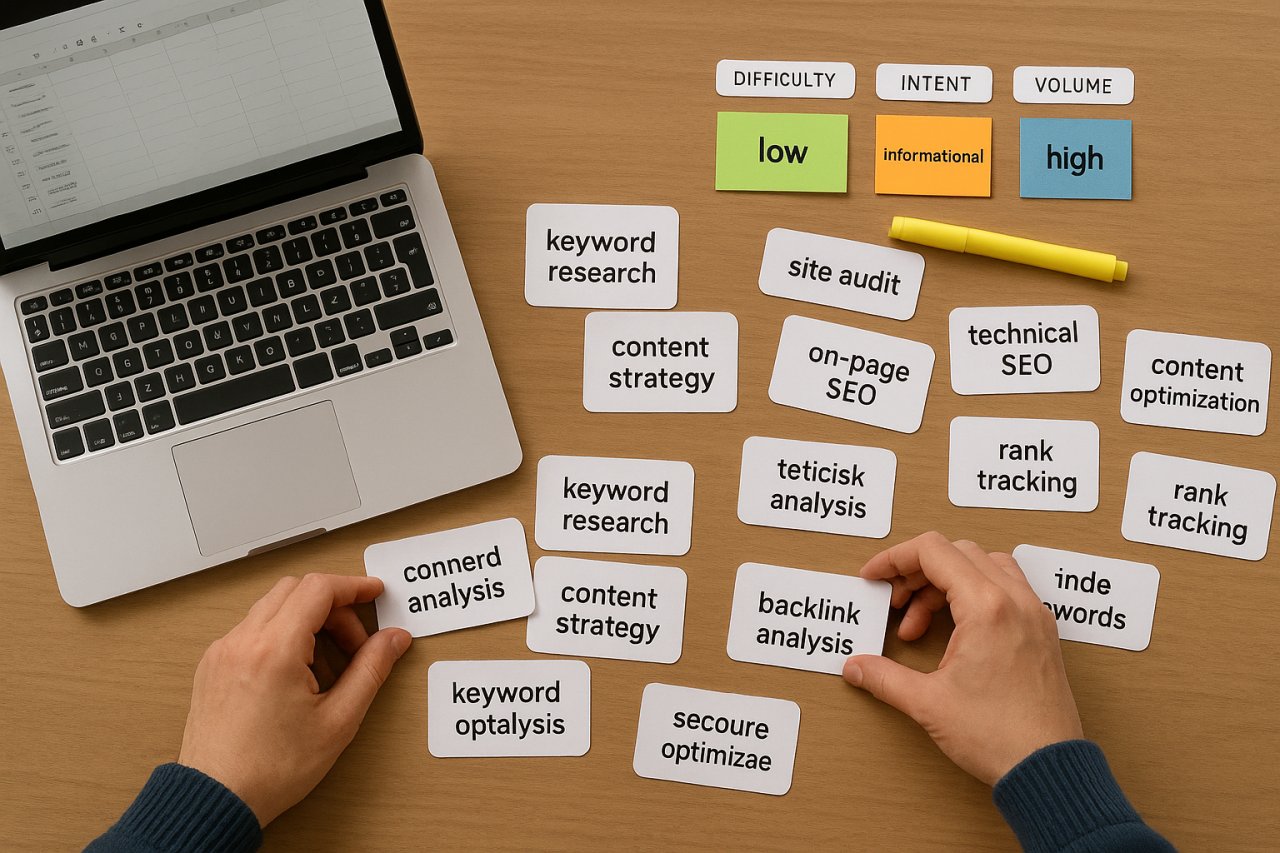
First filter: keyword difficulty score. Most tools assign a number from 0-100 indicating how hard a keyword is to rank for. If you’re running a WordPress site with domain authority under 30, target keywords with difficulty scores under 30. Be realistic about what you can compete for.
Second filter: search intent analysis. Look at the actual search results for each keyword. What type of content ranks? If you see e-commerce product pages, that’s transactional intent. If you see blog posts and guides, that’s informational intent. If you see local map packs, that’s local intent.
Match your keyword to your content format. Don’t write a blog post targeting a keyword where Google shows product pages. You’ll never rank.
Third filter: long-tail potential. Keywords with three or more words often convert better and rank easier than short head terms. WordPress security is a head term. Best WordPress security plugin for WooCommerce is a long-tail goldmine.
Topic Clusters: The Modern Way to Structure WordPress Content
Single-keyword optimization died years ago. Google ranks entire sites based on topical authority — how thoroughly you cover a subject.
That’s where topic clusters come in.
What a Topic Cluster Actually Looks Like
A topic cluster has three components:
Pillar content: One comprehensive guide covering a broad topic. Think The Complete Guide to WordPress Security. This targets your main keyword with decent search volume.
Cluster content: 10-20 specific articles covering subtopics in depth. Each one targets a long-tail variation or related question. How to Set Up Two-Factor Authentication in WordPress, Best WordPress Firewall Plugins Compared, WordPress Malware Removal Step-by-Step.
Internal linking structure: Every cluster article links back to the pillar. The pillar links out to each cluster article. This signals to Google that you own this topic.
When you build clusters around your keyword research, you’re not just targeting individual searches. You’re building semantic relevance around an entire topic area.
How to Extract Cluster Topics From Your Keyword Research
Look at your filtered keyword list. Group related terms together. You’ll see natural themes emerge.
If you’ve researched WordPress SEO keywords, you might find clusters around: keyword research itself, on-page optimization, technical SEO, link building, content strategy, and performance optimization.
Each cluster becomes a content series. Your pillar piece might be WordPress SEO Strategy Guide. Your cluster content addresses each subtopic specifically.
This approach has a hidden SEO benefit beyond rankings. It creates natural internal linking opportunities. When you write about WordPress caching plugins, you can link to your pillar guide on WordPress performance. When you cover image optimization, link back again. Google follows those links and understands your content relationships.
Speaking of internal linking — this is where many WordPress sites fall short. They do the keyword research. They create the cluster content. Then they forget to connect it properly.
Connecting Keyword Strategy to Internal Link Architecture
Keyword research tells you what to write. Internal linking tells Google how your content fits together. Most WordPress creators nail the first part and ignore the second.
Here’s why that’s a mistake: Google doesn’t understand your site structure through your mental model. It understands through links. If you write fifteen articles about WordPress security but never link them together, Google sees fifteen isolated pages. Not a topical authority.
Using Keywords in Anchor Text Strategically
When you link from one article to another internally, the anchor text matters. A lot.
Generic anchors like click here or read more waste an opportunity. Descriptive anchors using your target keywords help Google understand what the linked page is about.
Example: Instead of We covered caching in a previous article, write Proper WordPress caching configuration significantly improves Core Web Vitals with the keyword phrase as the link.
This accomplishes two things: it tells Google the target page is relevant for that keyword, and it passes topical authority through your internal link structure.
Why Manual Internal Linking Fails at Scale
When you’ve got ten articles, manual internal linking works fine. You remember what you wrote. You can identify relevant connections.
At fifty articles, it becomes harder. At 200, it’s nearly impossible to maintain a coherent internal linking strategy manually. You forget which articles exist. You miss obvious connections. Your link structure becomes random instead of strategic.
This is exactly where automation helps. Tools like AI Internal Links analyze your entire WordPress content library and suggest relevant connections based on semantic similarity and keyword relationships. Instead of manually searching through 200 articles to find link opportunities, the tool surfaces them automatically.
The keyword research you did earlier? That feeds directly into smarter internal linking. When you’ve built content around specific keyword clusters, automated suggestions connect those pieces together in ways that reinforce your topical authority.
Tracking Keyword Performance in WordPress
Keyword research isn’t a one-time project. It’s an ongoing process of testing, measuring, and refining.
Set Up Search Console Properly From Day One
Google Search Console is your most important keyword tracking tool. It’s free. It shows actual queries people used to find your site. It reveals ranking positions, impressions, and click-through rates.
Most WordPress users install Search Console and never check it again. That’s leaving intelligence on the table.
Log in monthly minimum. Look at the Queries report. Sort by impressions. You’ll discover:
- Keywords you rank for that you didn’t target (opportunities to optimize existing content)
- Keywords stuck in positions 11-20 (low-hanging fruit for ranking improvements)
- High-impression, low-CTR keywords (your title tags need work)
- Completely unexpected search terms bringing traffic (new content ideas)
This data is more valuable than any keyword tool because it reflects reality. Actual people. Actual searches. Actual performance.
Create a Keyword Tracking Sheet
For your primary target keywords, track positions manually or with a rank tracker. Check monthly, not daily. Rankings fluctuate. Monthly trends matter more than daily volatility.
Your tracking sheet should include: target keyword, target URL, current position, previous month position, search volume, and content status (published, needs update, in draft).
When a keyword moves from position 14 to position 9, investigate what changed. Did you add internal links? Update the content? Earn a backlink? Replicate what worked.
Common Keyword Research Mistakes WordPress Creators Make
Even experienced WordPress users fall into these traps. Avoid them.
Targeting the Same Keyword on Multiple Pages
Keyword cannibalization happens when you have five articles all targeting best WordPress themes. Google doesn’t know which one to rank. Your pages compete with each other instead of competitors.
One keyword, one page. If you want to cover a keyword from multiple angles, use long-tail variations for each piece. Best WordPress themes for bloggers, Best WordPress themes for photographers, Best WordPress themes for business sites. Different specific targets, no cannibalization.
Ignoring Seasonal Fluctuations
Some keywords spike at specific times. WordPress Black Friday deals surges in November. WordPress gift guide peaks in December. If you publish that content in January, you’ve missed the window.
Check keyword tools for 12-month trend data. Plan seasonal content three months in advance minimum.
Choosing Keywords Based on What You Want to Rank For
Your ego wants to rank for WordPress SEO. High volume. Prestigious. Impressive.
Your site might be better served ranking for WordPress SEO checklist for new blogs. Lower volume. Easier competition. Actually attainable.
Match your keyword ambition to your domain authority. Build topical authority with winnable keywords first. Chase the head terms after you’ve established credibility.
Putting Your WordPress Keyword Research Into Action
You’ve done the research. You’ve got a spreadsheet full of keywords. You understand clusters and intent and difficulty scores.
Now what?
Build a 90-day content calendar based on your keyword research. Pick your pillar topic. Outline 10-15 cluster articles. Schedule one piece per week. Stay consistent.
Optimize each article properly: target keyword in title, first 100 words, at least one H2, URL slug, and meta description. Don’t keyword stuff. Write naturally. Google’s smart enough to understand semantic variations.
Internal link as you publish. Every new article should link to 3-5 existing pieces. Update older content to link to new articles. Build that topical web.
Review performance quarterly. Which keywords are working? Which aren’t? Double down on winners. Abandon losers. Keyword research is hypothesis testing. Data tells you what’s true.
The WordPress creators who win at SEO aren’t necessarily better writers. They’re better researchers. They target the right keywords. They build coherent topic clusters. They connect their content strategically.
Your keyword research isn’t finished when you close the spreadsheet. It’s finished when that research drives traffic, engagement, and conversions through content that actually ranks. Start with better keyword selection, and everything else gets easier.